Choosing a web developer is one of those decisions that seems simple until you’re in the middle of it. Quotes range from a few hundred dollars to tens of thousands. Everyone’s portfolio looks polished. Every proposal promises a fast, beautiful, SEO-friendly site. And if you choose badly, you may not find out until months later, when the site is late, over budget, or impossible to update without paying someone again.
This guide will help you hire a web developer in Canada with confidence. It covers the different types of providers, what to look for, the questions to ask, and the red flags that should make you walk away.
If you are hiring in Alberta, our Calgary web development and Edmonton web development pages list fixed prices and timelines for each type of project.
Freelancer, agency, or in-house web developer?
There are three broad options, and each suits a different situation.
Freelancers
A freelance web developer can be excellent value for smaller projects. You work directly with the person building your site. The trade-offs are capacity and coverage. One person can’t design, write, code, handle SEO, and provide support all at once, and if they get sick or busy, your project waits.
Agencies
An agency brings a team: strategy, design, development, content, and SEO under one roof. Projects tend to cost more than with a freelancer, but you get broader skills, more predictable timelines, and ongoing support. For business-critical sites, that reliability is often worth it.
In-house developers
Hiring a full-time web developer makes sense if your website or web app is central to your business and needs constant work. For most small businesses, it’s more than they need.
What to look for in a web developer
Relevant experience
Look for work similar to what you need: a similar industry, platform, or type of site. Building online stores is different from building clinic websites, which is different from building custom web apps.
Business understanding
The best developers ask about your customers, your goals, and how you make money before talking about colours and layouts. A website is a sales and service tool, not just a design project.
SEO and performance built in
Ask how they handle page speed, mobile design, headings, metadata, and redirects. If SEO is described as an optional extra you’ll deal with later, that’s a warning sign.
Clear communication
You should understand what they’re telling you. A good web developer explains decisions in plain language and responds within a reasonable time.
A clear process
Ask them to walk you through how a project runs from first meeting to launch and beyond. Vague answers usually lead to vague projects.
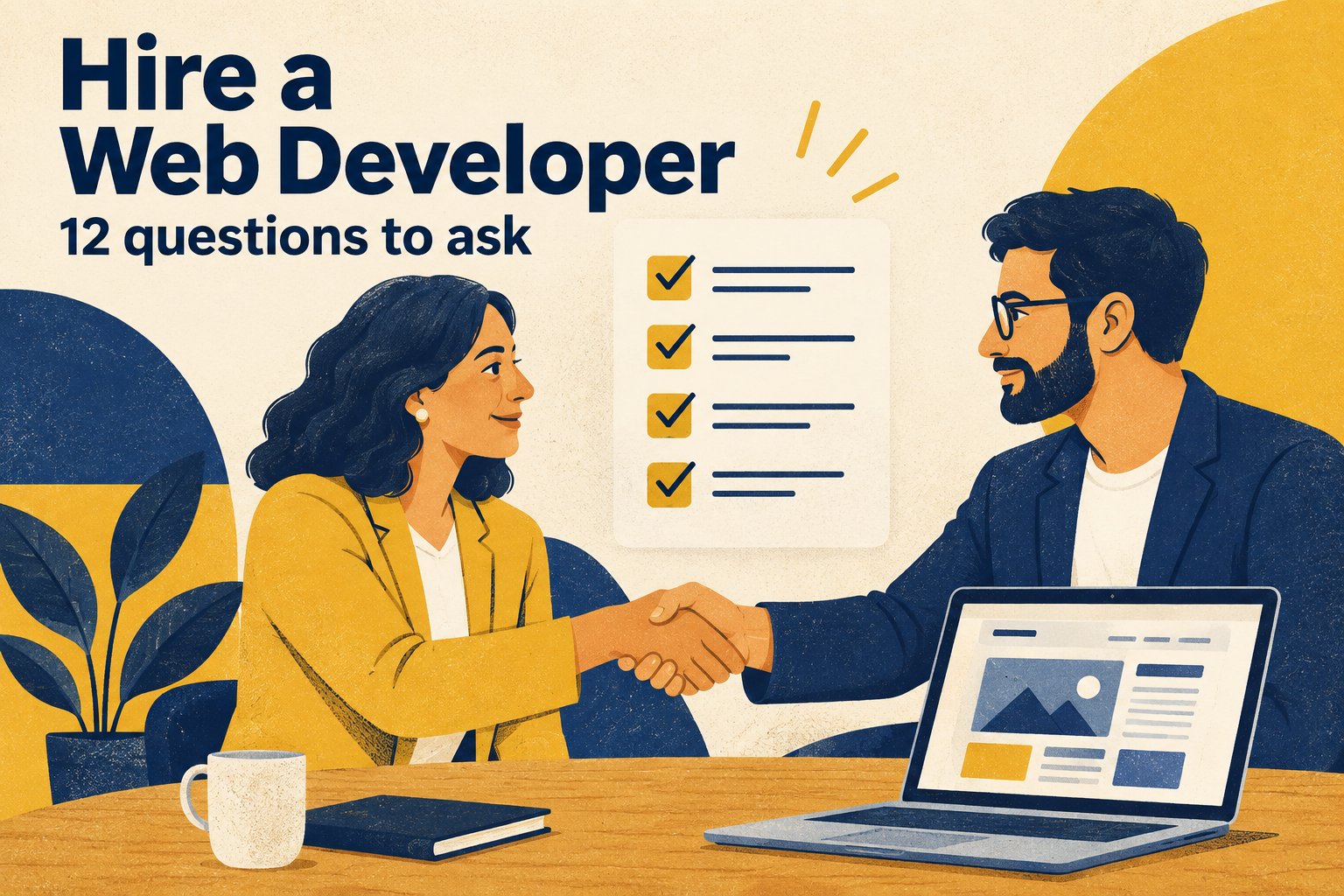
12 questions to ask before you hire
- Can I see live sites you’ve built, not just screenshots? Click around. Check them on your phone.
- Can I speak to two or three past clients? Ask them about deadlines, budget, and support after launch.
- What platform do you recommend, and why? A good answer depends on your needs, not just their favourite tool.
- Who will actually work on my project? Especially with agencies, know who does the work.
- What’s included, and what isn’t? Copywriting, photography, SEO setup, training, and hosting are often extra.
- Will I own the site, the code, the domain, and the content? The answer should be yes, in writing.
- Who controls the hosting and admin logins? You should have full access to everything.
- How do you handle SEO during a rebuild? Listen for redirects, URL mapping, and content checks.
- How will I update the site myself? Ask for a demo of the editing experience.
- What happens after launch? Ask about warranty periods, maintenance plans, and response times.
- How do you handle changes to scope? Changes happen. A clear, fair process prevents arguments later.
- What’s the payment schedule? Milestone payments tied to deliverables protect both sides.
Red flags to watch for
- Prices that seem too good to be true. Very cheap sites often cut corners on security, speed, and SEO, or come with hidden ongoing fees.
- Guaranteed first-page rankings. Nobody can guarantee Google rankings.
- Registering your domain in their name. Your domain should always be registered to your business. For .ca domains, check your registration details through a CIRA-certified registrar.
- No contract. A handshake isn’t enough for a project that runs your business.
- Locked-in platforms. Proprietary systems that can’t be moved elsewhere leave you stuck.
- Full payment upfront. Reputable developers use deposits and milestones.
- Slow, vague replies during the sales process. It rarely gets better once they have your deposit.
How to judge a web developer’s portfolio
Pretty screenshots don’t tell you much. Visit the live sites and look deeper. Do they load quickly on your phone? Are the menus easy to use? Can you find the phone number and contact form within a few seconds? Try the forms if you can. Check whether the sites still look maintained, or whether they’ve been left to age since launch. If a web developer’s past clients still have fast, working, up-to-date sites years later, that’s a very good sign.
It’s also worth asking about results, not just looks. Did a redesign lead to more enquiries? Did an online store’s conversion rate improve? A developer who can talk about outcomes understands that the website has a job to do.
A quick guide to common platforms
You don’t need to be technical, but knowing the basics helps you understand recommendations:
- WordPress is flexible, widely supported, and powers a huge share of business websites. It suits most service businesses, content-heavy sites, and many custom needs.
- Shopify is built for online stores, with hosting, payments, and security handled for you.
- Website builders like Squarespace and Wix are quick to start, but can be limiting as you grow.
- Custom builds make sense for web apps, portals, and unusual requirements.
Our comparison of WordPress vs Shopify vs Squarespace goes into more detail.
What a good contract includes
Before work starts, your agreement with any web developer should cover the scope of work, timeline and milestones, payment schedule, who provides content and images, how changes are priced, ownership of the finished site and all accounts, what support is included after launch, and how either side can end the agreement. It doesn’t need to be long, but it does need to be clear. If something matters to you, like accessibility standards or SEO migration, make sure it’s written down.
Working well together during the project
Even the best web developer can only move as fast as decisions and content allow. Assign one person on your side to give feedback and approvals. Gather content early, because late copy and photos are the most common reason projects slip. Give feedback in batches rather than one comment at a time, and be specific: “make the headline shorter and move the phone number to the top” is more useful than “it doesn’t feel right”. Regular short check-ins keep everyone aligned and prevent surprises at launch.
Understanding quotes
When comparing quotes, make sure you’re comparing the same thing. One web developer might include copywriting, SEO setup, and three months of support. Another might quote only the build. Ask each to break the price into stages, like discovery, design, development, content, and launch, so you can see where the money goes. For typical price ranges, see our web development cost guide for Canada.
Things to prepare before you contact a web developer
A little preparation gets you better proposals and more accurate pricing:
- Your goals, such as more calls, online bookings, or sales
- Who your customers are and what they need to find quickly
- A list of pages or features you know you need
- Three to five websites you like, with notes on why
- Your budget range and ideal launch date
- Access details for your current domain, hosting, and website
Don’t forget accessibility and maintenance
Two topics often get missed during hiring. The first is accessibility. Ask how the developer makes sure people with disabilities can use your site. Our website accessibility guide explains what good practice looks like. The second is maintenance. Websites need updates, backups, and security monitoring. Know who handles that after launch and what it costs.
After launch: what good support looks like
The relationship doesn’t end on launch day. In the first few weeks, small issues always surface: a form that sends to the wrong inbox, a page that looks odd on one particular phone, a redirect that was missed. A good developer fixes these quickly under a warranty period. After that, a maintenance plan should cover software updates, backups, security monitoring, uptime checks, and a set number of small changes each month. Ask for typical response times in writing, so you know what to expect if the site goes down on a busy Saturday.
Web developer FAQ
Should I hire a local web developer?
It’s not essential, but working with a Canadian team has advantages: overlapping hours, familiarity with Canadian privacy and accessibility rules, local SEO experience, and pricing in CAD.
How long does a typical website take?
A small business website usually takes six to twelve weeks. Larger sites, online stores, and custom features take longer.
Can I switch developers later?
Yes, if you own your domain, hosting, and site files and the site is built on a common platform. That’s why ownership questions matter so much at the start.
Looking for a web developer you can trust?
Ask us the twelve questions above. We’ll answer every one, show you live work, and give you a clear, itemised proposal.