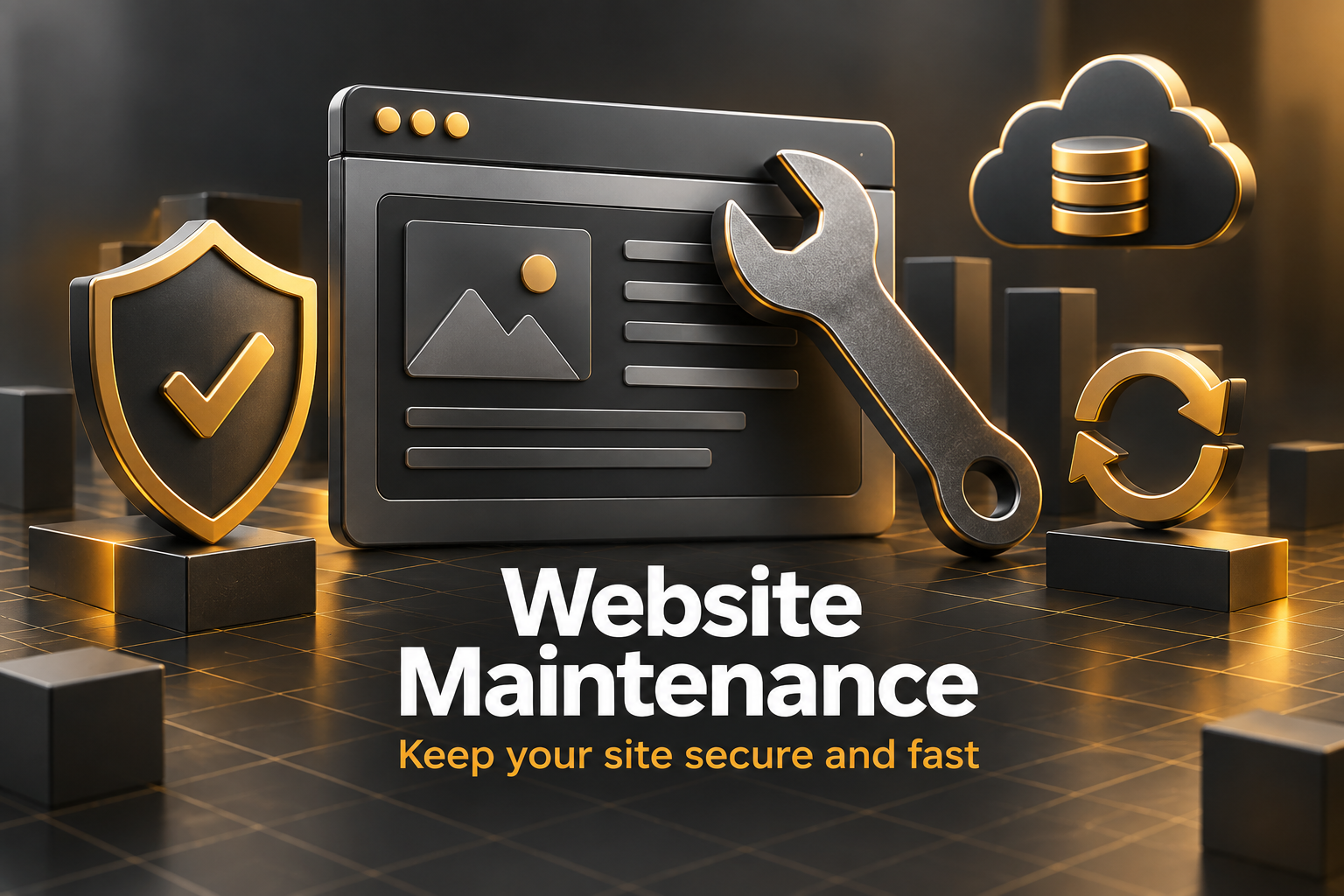
A website isn’t a brochure you print once and forget. It’s closer to a vehicle. It needs regular servicing to stay safe, fast, and reliable, and the longer you skip it, the more expensive the eventual repair. Yet website maintenance is one of the first things small businesses cut when budgets are tight, usually right up until the site gets hacked, goes down on a busy weekend, or quietly slides down Google’s rankings.
This guide explains what website maintenance actually involves, how often each task should happen, whether to do it yourself or hand it off, and what to look for in a maintenance plan.
Maintenance from C$49 a month is listed on our Edmonton web development page alongside what a new site costs.
Why website maintenance matters
Security
Most hacked small business websites aren’t targeted personally. Automated bots scan millions of sites for outdated plugins, weak passwords, and known vulnerabilities. Regular updates and monitoring close those doors before bots find them. We cover recovery in our guide on protecting your business website from hackers.
Performance
Sites slow down over time as content, plugins, and tracking scripts pile up. Routine website maintenance keeps pages fast, which helps both visitors and rankings.
Reliability
Broken forms, expired SSL certificates, and full hosting storage can silently stop leads from reaching you. Monitoring catches these problems before customers do.
Search visibility
Broken links, crawl errors, and outdated content chip away at SEO. Regular checks keep your site healthy in Google’s eyes.
Accurate information
Old prices, outdated team photos, and last year’s holiday hours make a business look careless. Keeping content current builds trust.
10 essential website maintenance tasks
1. Software updates
Update your CMS, theme, and plugins or apps regularly. Many updates fix security holes, so waiting months is risky. On WordPress, follow the official guidance on updating WordPress, and always back up first.
2. Backups
Keep automatic daily backups stored somewhere other than your web server, and test restoring one occasionally. A backup you’ve never tested is a hope, not a plan.
3. Security monitoring
Use a firewall and malware scanning, limit login attempts, and require strong passwords with two-factor authentication for admin accounts.
4. Uptime monitoring
A simple monitor checks your site every few minutes and alerts you if it goes down, so you’re not relying on a customer to tell you.
5. Form and checkout testing
Once a month, submit your contact forms, booking tools, and checkout yourself. Make sure messages arrive and payments go through.
6. Speed checks
Test key pages with PageSpeed Insights and address slowdowns early. Our guide to website speed optimization covers the usual culprits.
7. Broken link and error checks
Review Google Search Console for crawl errors and fix broken links, missing pages, and redirect problems.
8. SSL certificate and domain renewals
Make sure your SSL certificate renews automatically and your domain is set to auto-renew with current payment details. Expired domains are surprisingly common, and painful.
9. Content review
Update prices, services, staff, hours, and any time-sensitive information. Refresh older blog posts that still get traffic.
10. Database and storage clean-up
Remove spam comments, old revisions, and unused media and plugins. It keeps the site lean and backups smaller.
How often should each task happen?
- Continuously: uptime monitoring, security scanning, automatic backups
- Weekly: software updates, checking for security alerts
- Monthly: form and checkout tests, speed checks, Search Console review
- Quarterly: content review, broken link audit, backup restore test, accessibility spot check
- Yearly: domain and hosting review, full SEO and security audit, design refresh assessment
Signs your website maintenance has slipped
Not sure whether your site is in good shape? These are common warning signs:
- Your WordPress dashboard shows a long list of pending updates
- You can’t remember when the last backup was taken, or where it’s stored
- The site feels slower than it used to, especially on your phone
- You’ve received fewer form enquiries lately without a clear reason
- Search Console shows a rising number of errors
- Pages still mention last year’s prices, staff, or promotions
- Nobody on your team is quite sure who has the admin passwords
If several apply, a website maintenance catch-up should be near the top of your to-do list. It’s much easier to fix now than after a problem forces your hand.
Website maintenance for WordPress sites
WordPress powers a huge share of business websites, and it’s flexible because of its plugins and themes. That same flexibility means it needs more attention than hosted platforms. Keep the number of plugins reasonable, remove any you don’t use, and avoid plugins that haven’t been updated in a long time. Test major updates on a staging copy first when your site includes an online store, a booking system, or complex page builder layouts. Keep PHP, the language WordPress runs on, at a supported version through your host. And use a proper security plugin or host-level firewall rather than relying on luck.
What to do if something breaks after an update
Even with care, an update occasionally causes a problem: a layout shifts, a form stops sending, or a page shows an error. Don’t panic. First, note exactly what changed and when. If you have a recent backup, restoring it is often the quickest fix while you investigate. If you can access the dashboard, deactivate the most recently updated plugin to see whether the problem disappears. Check your host’s error logs, and contact the plugin developer if their update caused the issue. Once it’s fixed, write down what happened so it’s easier next time. This is exactly the kind of stressful moment a maintenance plan is designed to take off your plate.
A simple monthly website maintenance routine
If you’re doing it yourself, block an hour in your calendar each month and work through this list:
- Confirm backups ran and download a recent copy
- Run updates, then click through your main pages
- Submit every form and complete a test booking or purchase
- Check Search Console for new errors
- Test your homepage and top service page for speed on mobile
- Update any outdated content, hours, or promotions
- Delete spam comments and unused media
Consistency matters more than perfection. An hour every month beats a frantic weekend once a year.
Don’t forget accessibility
Every new page, image, and form is a chance for accessibility problems to creep back in. Add a quick accessibility check to your quarterly website maintenance: alt text on new images, readable contrast on new designs, and forms that work with a keyboard. Our website accessibility guide has a checklist you can use. The same goes for technical health more broadly, which our technical SEO checklist covers.
DIY or a website maintenance plan?
You can absolutely handle website maintenance yourself if you’re comfortable with your platform, have a reliable routine, and can fix things when an update breaks something. Many small business owners start that way.
The risks show up when life gets busy. Updates get skipped, backups aren’t checked, and a plugin conflict takes the site down at the worst moment. A professional maintenance plan makes sense when:
- Your website brings in a meaningful share of leads or sales
- You run an online store or booking system where downtime costs money
- You don’t have time to do it consistently
- You’re not confident fixing problems if an update goes wrong
What a good website maintenance plan includes
Plans vary a lot, so compare carefully. Look for:
- Regular updates, tested so they don’t break your layout or features
- Daily off-site backups with a clear restore process
- Security monitoring and malware clean-up included, not billed extra
- Uptime monitoring with fast response times
- A set amount of time each month for small content or design changes
- Monthly or quarterly reports on what was done
- Clear response times for urgent issues
- Full access for you to your own site, hosting, and domain
Keep good records
A little paperwork makes every future problem easier to solve. Keep a simple shared document with your hosting provider, domain registrar and renewal dates, who has admin access, which plugins or apps are installed and why, where backups are stored, and a log of major changes and updates. If you ever change developers, sell the business, or need to recover from an emergency, this one document can save days of detective work. Review it once a year, remove people who no longer need access, and update passwords when staff leave.
Planning ahead
Good website maintenance also means looking a little further down the road. Every year or two, step back and ask bigger questions. Does the site still reflect your services and brand? Are competitors offering features, like online booking or live chat, that customers now expect? Is the underlying platform still the right fit for where the business is heading? Regular upkeep keeps a site healthy for years, but it’s also the best way to spot when a refresh or rebuild would genuinely pay off.
Website maintenance FAQ
How much does website maintenance cost in Canada?
Plans range from basic updates and backups at a modest monthly fee to comprehensive plans that include security, performance work, content changes, and priority support. Match the plan to how important the site is to your revenue.
Does Shopify need maintenance?
Less than WordPress, since Shopify handles hosting, security, and core updates. You still need to manage apps, theme updates, content, speed, and SEO.
What happens if I stop maintaining my site?
Nothing, at first. Then updates pile up, vulnerabilities accumulate, performance drops, and the risk of a serious problem grows every month.
Want your website looked after properly?
Our maintenance plans cover updates, backups, security, speed, and small changes, so you can focus on running your business.