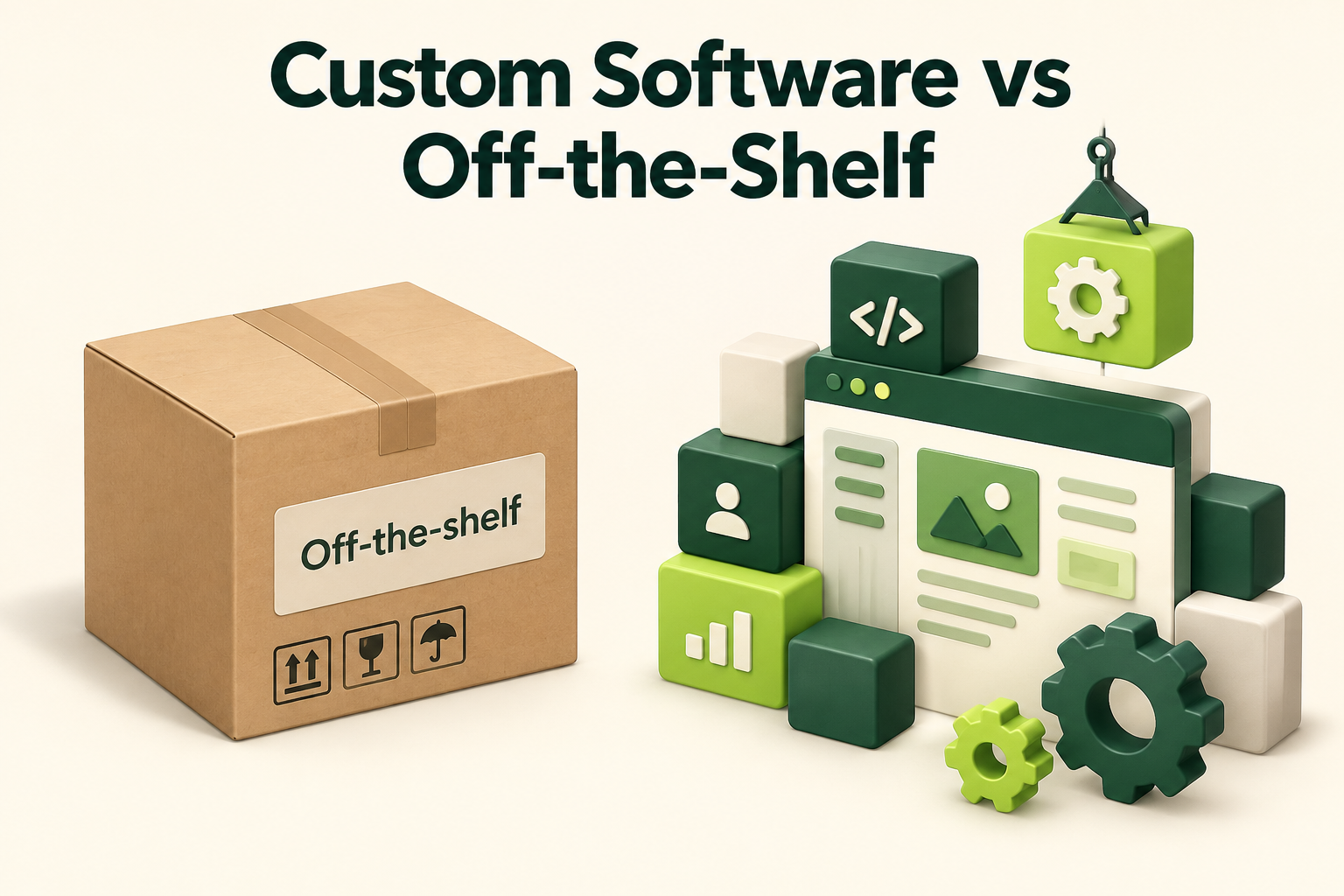
Sooner or later, most growing businesses hit the same wall. The tools that got you started, a spreadsheet here and a subscription app there, stop fitting the way you actually work. That’s when the question comes up: should you keep adapting to off-the-shelf tools, or invest in custom software that fits your business exactly?
There’s no universal answer. We’ve seen companies spend a lot building what they could have bought for $50 a month, and others lose far more by forcing their operations into tools that were never designed for them. This guide walks through the real trade-offs so you can make the call with clear eyes.
Off-the-shelf vs custom software: what each really means
Off-the-shelf software is built for a broad market and sold as-is, usually by monthly subscription. Think QuickBooks, Shopify, HubSpot, Jobber, or Slack. You configure it, but you don’t change how it fundamentally works.
Custom software is built specifically for your business. It might be an internal tool, a customer portal, a quoting system, or a complete software-as-a-service product you sell to others. You decide what it does, how it looks, and how it connects to everything else you use.
There’s also a middle ground that often gets overlooked: off-the-shelf platforms extended with custom integrations, automations, or add-ons. For many small and mid-sized Canadian businesses, that hybrid approach turns out to be the sweet spot.
The case for off-the-shelf tools
Ready-made software has real advantages, and it’s the right answer more often than people selling development services like to admit.
- Fast to start. Sign up today, start using it tomorrow.
- Lower upfront cost. You pay a predictable monthly fee instead of funding a build.
- Proven. Thousands of other businesses have already found and reported the bugs.
- Maintained for you. Hosting, security patches, and new features are the vendor’s job.
- Easy to hire for. New staff may already know the tool, and there are tutorials and consultants everywhere.
For standard functions like accounting, email, payroll, and basic project management, off-the-shelf is almost always the smarter choice. There’s no competitive advantage in building your own accounting system.
The case for custom software
Custom software earns its cost when the way you work is genuinely different, or when that difference is what customers pay you for.
- It fits your process. Instead of bending your workflow around a tool, the tool follows your workflow.
- It protects your edge. If your pricing model, service process, or customer experience sets you apart, custom software lets you scale that difference instead of flattening it.
- Fewer tools, less double entry. One system can replace five that don’t talk to each other, along with the hours your team spends copying data between them.
- You own it. No surprise price hikes, no features removed, no vendor discontinuing the product you rely on.
- It grows with you. You add features when your business needs them, not when a vendor’s roadmap gets around to it.
The hidden costs on both sides
The sticker price rarely tells the full story, whichever way you go.
Hidden costs of off-the-shelf tools
Per-user pricing climbs as your team grows. Premium tiers lock away the one feature you need. Integration tools like Zapier add another subscription. The biggest cost is often invisible: staff time spent on workarounds, duplicate data entry, and fixing errors that happen when information lives in several places. Switching later can also be painful if your data is hard to export.
Hidden costs of custom software
Building is only the beginning. Custom software needs hosting, security updates, bug fixes, and changes as your business evolves. A useful rule of thumb is to budget around 15 to 20 percent of the original build cost each year for maintenance and improvements. You also need to think about documentation and who will look after the system if your original developer moves on.
Signs you’ve outgrown your current tools
Most businesses don’t decide to change their systems on a quiet afternoon. They notice a pattern of small frustrations that slowly becomes a real cost. Watch for these warning signs:
- Your team keeps a “real” spreadsheet alongside the official system, because the software can’t track what actually matters.
- The same information gets typed in more than once, for example a customer’s details entered in the booking app, the invoicing tool, and the CRM.
- Reports take hours to pull together because the numbers live in three different places and nobody fully trusts any of them.
- New hires need weeks to learn the workarounds, not the tools themselves.
- You’ve said no to a customer request because your systems simply couldn’t handle it.
- Your subscription bill keeps growing, but nobody could tell you exactly which tools the business actually depends on.
One or two of these is normal. If you nodded at four or more, it’s time to look seriously at your options, whether that means switching platforms, connecting the tools you have, or building something of your own.
A simple first step is to list every tool your team uses, what each one costs, who uses it, and what data it holds. That one-page inventory often reveals quick wins, like two subscriptions doing the same job, before you spend anything on development.
7 questions to help you decide
Work through these honestly. They usually point clearly one way or the other.
1. Is this process part of how you win customers?
If yes, custom software deserves a serious look. If it’s back-office admin that every company does the same way, buy something.
2. How many workarounds are you using today?
A couple of spreadsheets alongside a tool is normal. Five spreadsheets, three apps, and a whiteboard is a sign the tools don’t fit.
3. How many people use it?
Per-seat pricing that seems cheap for five people can become expensive at fifty. At a certain scale, owning the system becomes cheaper than renting it.
4. What is the inefficiency costing you?
Add up the hours spent on manual work, errors, and delays each month, then multiply by what those hours cost. That number is your realistic budget ceiling for fixing the problem.
5. Do you have integration or data needs no tool meets?
Sometimes the gap isn’t features but connections. Custom integrations between existing tools can be far cheaper than a full custom build.
6. Is the process stable?
If you’re still changing how you do things every few weeks, wait. Build custom software around a process that has settled down, or you’ll pay to rebuild it.
7. Who will own it long term?
Someone on your side needs to understand the system, set priorities, and manage the relationship with whoever maintains it.
Real-world examples
A few patterns we see often among Canadian businesses:
- A multi-location clinic keeps its standard practice management software but adds a custom intake and reminder integration that saves the front desk hours every week.
- A contracting company uses an off-the-shelf job management app until its pricing becomes too complex for simple quotes, then builds a custom quoting tool that plugs into the same system.
- A startup builds its core product as custom software, because that product is the business, and uses ready-made tools for everything else.
- A marketing agency runs on a white-label platform, then adds custom automations and dashboards on top. Our white-label GoHighLevel service works exactly this way.
How to start a custom software project the right way
If the answers point toward building, a few habits make the difference between a smooth project and an expensive one.
- Start with discovery. Map the process, the people involved, and the pain points before anyone writes code.
- Build the smallest useful version first. Launch the core workflow, get real feedback, and add features in stages.
- Choose proven technology. Popular, well-supported frameworks are easier to maintain and hire for.
- Make sure you own the code. Your contract should give you ownership and access to the code, hosting, and accounts.
- Plan maintenance from day one. Agree on who handles updates, backups, and support after launch.
Some Canadian projects that involve genuine technical uncertainty may also qualify for the federal SR&ED tax incentive program. It’s worth asking your accountant early, because good records from the start make a claim much easier.
Custom software FAQ
How much does custom software cost in Canada?
It ranges widely. A focused internal tool costs far less than a customer-facing platform with payments, user accounts, and mobile apps. A short paid discovery phase is the most reliable way to get a realistic number, because it forces everyone to agree on scope before the build begins.
How long does it take to build?
A first usable version of focused custom software often takes somewhere between two and four months. Larger platforms take longer, which is one more reason to launch in stages.
Can I start with off-the-shelf and switch later?
Yes, and it’s often the smartest path. Choose tools with good data export and open APIs so moving later is easier. Using a ready-made tool first also teaches you exactly what you’d want in a custom version.
The bottom line
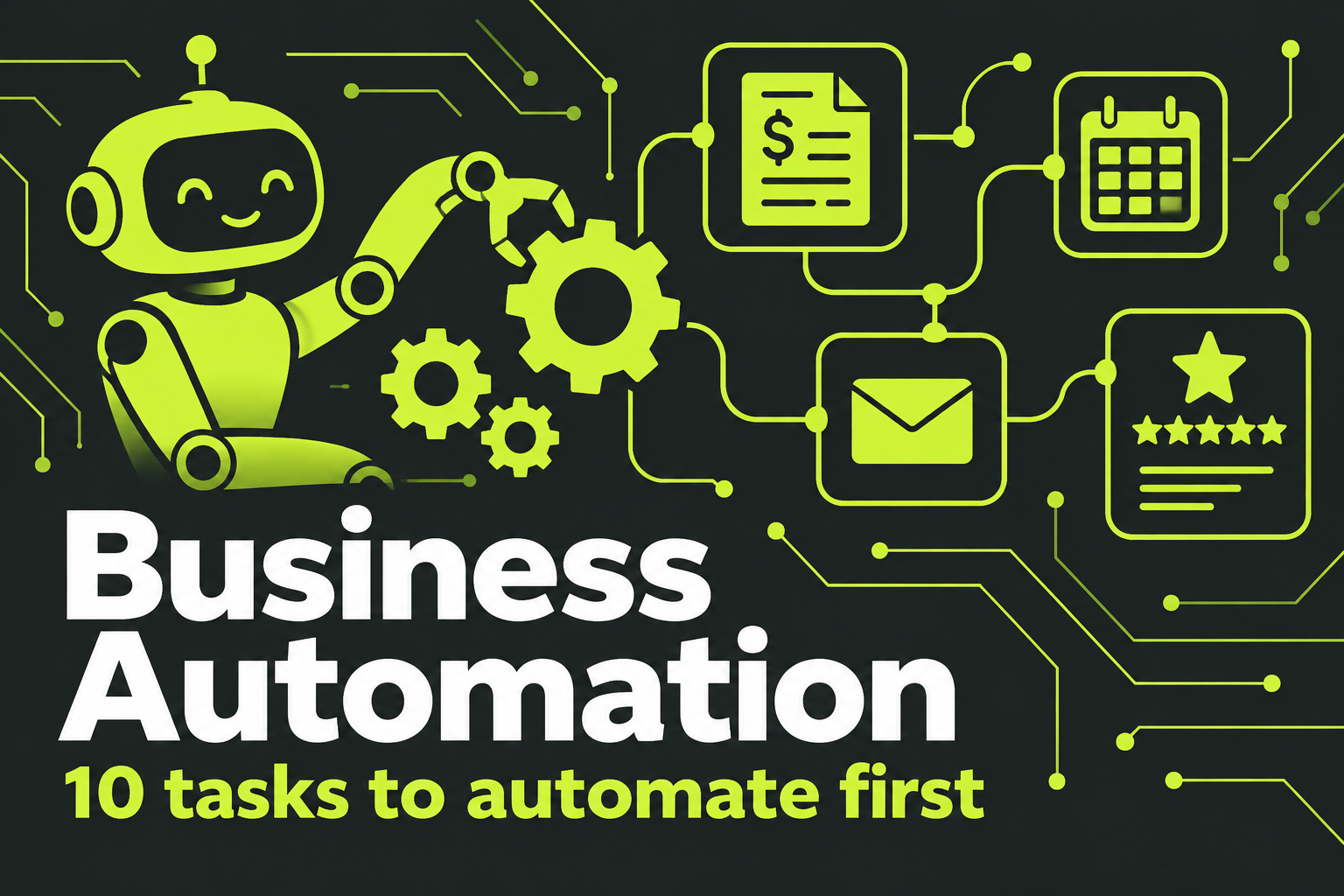
Buy software for the things every business does. Consider custom software for the things that make your business different. And don’t overlook the middle path of connecting and extending the tools you already have. If automation is the real goal, our AI automation service may solve the problem without a full build.
Weighing custom software for your business?
Tell us what’s slowing your team down. We’ll help you decide whether to build, buy, or connect what you already have.