
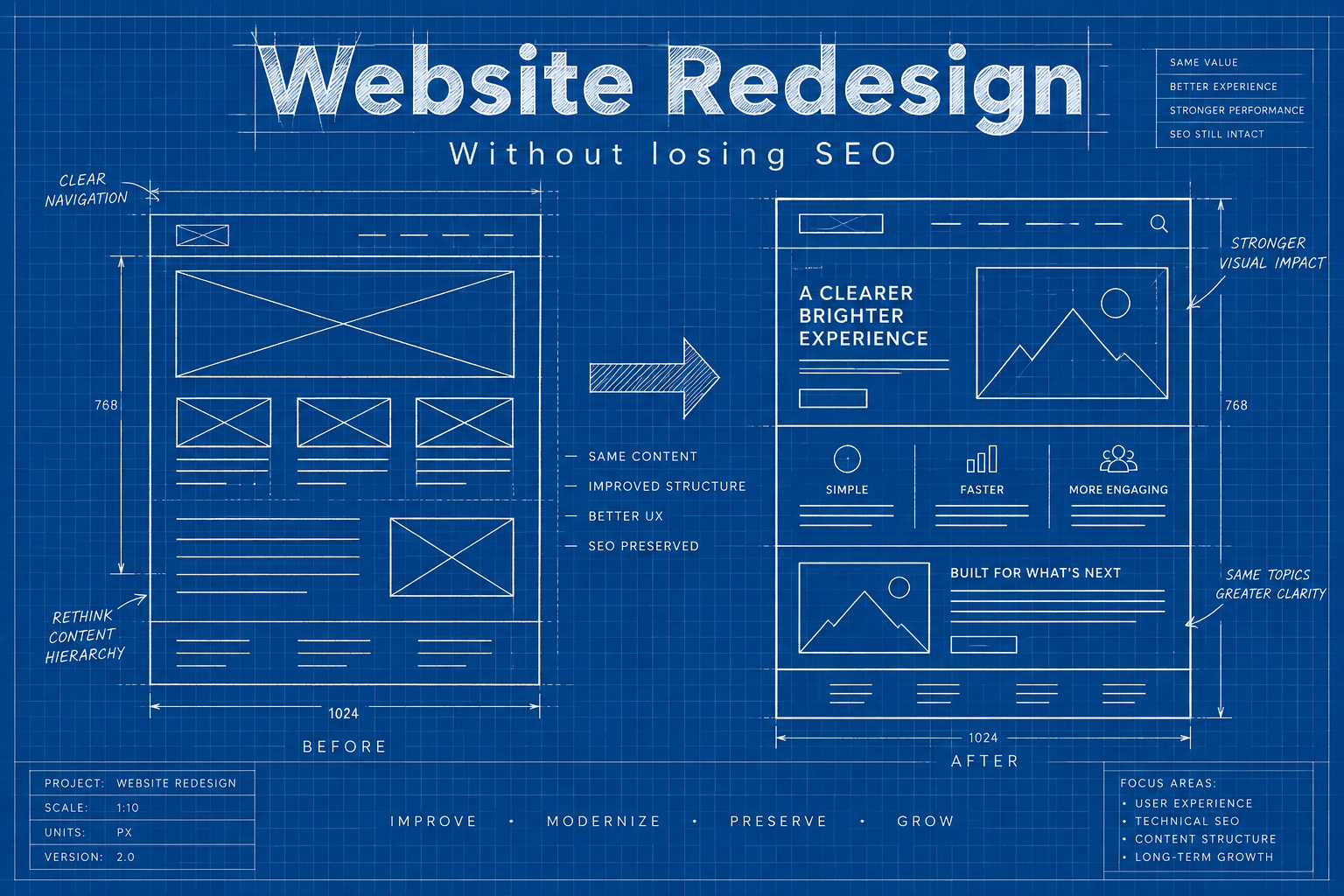
A new website should be exciting. Fresh design, clearer messaging, faster pages. But every year we hear from businesses whose traffic fell off a cliff the week after launch. Leads dried up, rankings they’d held for years vanished, and nobody could explain why. In almost every case, the website redesign itself wasn’t the problem. The way it was launched was.
This guide walks through how to plan and launch a website redesign without losing the search visibility you’ve worked hard to build. It’s written for business owners and marketing managers, not developers, so you’ll know what to ask for and what to check.
Signs it’s time for a website redesign
Not every site needs a full rebuild. Sometimes a refresh of key pages is enough. A full website redesign usually makes sense when several of these are true: the site is hard to update without a developer, it looks dated next to competitors, it’s slow or awkward on phones, your services or brand have changed significantly, or leads have dropped even though traffic hasn’t. If only one or two apply, targeted improvements may give you most of the benefit for a fraction of the cost and risk.
Why a website redesign can hurt your SEO
Search engines have spent years learning what your current site is about. Your rankings depend on specific pages, at specific addresses, with specific content and links pointing to them. A website redesign can accidentally break all of those at once:
- Changed URLs without redirects turn valuable pages into error pages.
- Removed or thinned content takes away the words and answers that earned your rankings.
- New page structure can bury important pages deeper in the site.
- Missing titles and descriptions reset to generic defaults.
- Technical mistakes, like leaving a staging site’s “no index” setting switched on, can hide the whole site from Google.
None of these are hard to avoid. They just need to be part of the plan from the start rather than something to think about on launch day.
Before the website redesign: take stock of what’s working
1. Crawl and list every current URL
Use a crawler, your sitemap, and Google Search Console to build a complete list of your pages, including blog posts, service pages, landing pages, and images that get traffic. This list becomes your map for the whole project.
2. Identify your most valuable pages
In Search Console and Google Analytics, find the pages that bring the most traffic, leads, and sales, and the pages with the most links from other websites. These are the pages you absolutely must protect during the website redesign.
3. Record current performance
Save a snapshot of rankings for your important keywords, organic traffic by page, and conversions. You’ll need this baseline to spot problems quickly after launch.
4. Save your existing SEO settings
Export page titles, meta descriptions, headings, and structured data. If you use an SEO plugin like Rank Math, export its settings too. It’s much easier to carry good settings across than to recreate them from memory.
During the website redesign: protect what matters
5. Keep URLs the same where you can
The safest URL is the one that doesn’t change. If your current addresses are sensible, keep them. Only change URLs when there’s a clear benefit, like fixing messy, confusing addresses.
6. Plan redirects for every changed URL
For any page that moves or merges, set up a permanent 301 redirect from the old address to the most relevant new one. Not the homepage, the closest matching page. Build this as a simple spreadsheet: old URL in one column, new URL in the next. Google’s guidance on site moves with URL changes explains why this matters.
7. Don’t cut content that ranks
Designers often push for shorter pages and fewer words. That can look cleaner, but if a service page ranks because it answers questions in detail, removing that detail will cost you. Keep the substance, then make it easier to read with better layout, headings, and visuals.
8. Keep internal links strong
Your navigation and in-content links tell search engines which pages matter. Make sure important service pages stay easy to reach from the main menu and are linked from related content.
9. Build and test on a hidden staging site
Work on a password-protected or no-indexed copy so Google doesn’t find an unfinished version. Just remember to remove that protection at launch.
10. Check speed and mobile usability before launch
A website redesign is the perfect moment to fix performance. Test key pages on mobile, compress images, and keep scripts lean. Our guide to website speed optimization covers the essentials.
Who should be involved
A smooth project needs a few clear roles, even in a small business where one person may wear several hats.
- A decision maker who approves design, content, and launch timing, and who can break ties quickly.
- A designer and developer who build the new site and set up redirects, speed, and technical SEO.
- Someone responsible for search, whether in-house or an agency, who owns the URL map, the content checks, and post-launch monitoring.
- The people who know your customers, like sales or front desk staff, who can say which questions the site must answer.
When these roles are clear from the first meeting, fewer things fall through the cracks.
Moving your content across carefully
Content migration is where a lot of quiet damage happens. Pages get copied without their headings, image alt text disappears, links point to the old staging address, and tables turn into a jumble. Go through your top pages one by one after migration and compare them with the originals. Check that headings follow a logical order, images still have descriptions, internal links work, and nothing important has been trimmed. It’s tedious work, but it’s the difference between a clean launch and weeks of detective work afterwards.
Realistic timelines
For a small or mid-sized business site, a typical project runs somewhere between six and fourteen weeks. Discovery and planning take the first couple of weeks, design and content take the largest share, development and testing follow, and the final week is about checks and launch. Rushing the planning stage is the most common cause of problems later, especially when it means skipping the URL inventory. If you’re budgeting for a new build, our web development cost guide for Canada explains what drives pricing.
Launch day checklist
- Remove any “discourage search engines” or no-index settings from the live site
- Confirm the redirect map is live and test a sample of old URLs
- Check robots.txt isn’t blocking important sections
- Submit the new XML sitemap in Google Search Console
- Confirm page titles, meta descriptions, and headings carried over
- Test every form, phone link, booking tool, and checkout
- Make sure analytics and conversion tracking are firing
- Update your Google Business Profile link if any addresses changed
It’s also wise to launch early in the week, not on a Friday afternoon. You want your team around to fix anything that surfaces.
After the website redesign: monitor closely
For the first four to eight weeks, check in regularly:
- Search Console coverage reports for new errors, especially pages not found
- Organic traffic compared with your pre-launch baseline
- Rankings for your most important keywords
- Conversions, because traffic that holds steady but stops converting points to a design or form problem
A small dip in the first week or two is common while Google processes the changes. A steady decline after that means something needs attention, and the sooner you catch it, the easier the fix.
Common website redesign mistakes
- Redirecting everything to the homepage. Google treats this much like a missing page. Match each old page to its best new equivalent.
- Launching with placeholder text. “Lorem ipsum” on a live service page is more common than you’d think.
- Changing domain and design at the same time. It’s possible, but it multiplies the risk. If you can, do one, let things settle, then do the other.
- Forgetting blog posts and images. Older articles often bring steady traffic. Don’t delete them without a plan.
- No one owning SEO on the project. Design, development, and content teams each assume someone else is handling it.
Use the website redesign to improve SEO, not just protect it
A website redesign is also a chance to fix long-standing problems. Merge thin, overlapping pages into stronger ones. Create dedicated pages for services that were crammed together. Add clearer calls to action and trust signals. Improve local pages if you serve several cities, following the approach in our local SEO guide. Done carefully, many businesses come out of a redesign with better rankings than before.
Website redesign FAQ
How long does it take for rankings to recover after a website redesign?
If redirects and content are handled well, many sites see little disruption, or a short dip that recovers within a few weeks. Big structural changes can take longer to settle.
Should I change my URLs during a redesign?
Only when there’s a clear reason. Clean, descriptive URLs are worth keeping. If you do change them, redirect every old address properly.
Can I redesign a WordPress site without changing the URLs?
Usually yes. Themes and page builders can change completely while page addresses stay the same.
Planning a website redesign?
We design and build new websites with SEO protection built into every step, from the URL map to post-launch monitoring.