Most small business owners didn’t start a company to copy data between spreadsheets, chase unpaid invoices, or send the same email forty times a week. Yet that’s where a lot of time goes. Business automation is simply using software to handle those repetitive tasks so you and your team can focus on the work that actually needs a human.
The trick is knowing where to start. Automate the wrong thing and you’ve spent money on a clever system nobody uses. Automate the right thing and you win back hours every week almost immediately. Here are ten tasks that give most small and mid-sized Canadian businesses the fastest return, plus a simple way to get started.
What business automation actually means
Business automation connects your tools and sets rules so that when one thing happens, the next steps happen automatically. A form is submitted, so a contact is created, a confirmation is sent, and a task lands with the right person. An invoice becomes overdue, so a polite reminder goes out. A job is marked complete, so a review request follows.
It doesn’t have to involve artificial intelligence, although AI now makes it possible to automate tasks that used to need human judgement, like reading emails, summarizing calls, or answering common questions. For a bigger-picture view, see our article on how AI automation is transforming modern businesses.
Signs your business is ready for automation
- Your team types the same information into more than one system
- Leads or customer requests sometimes fall through the cracks
- You spend hours each week on reminders, follow-ups, and status updates
- Reports take ages to pull together from different sources
- Important steps depend on one person remembering to do them
If two or more of these sound familiar, there are almost certainly quick wins waiting.
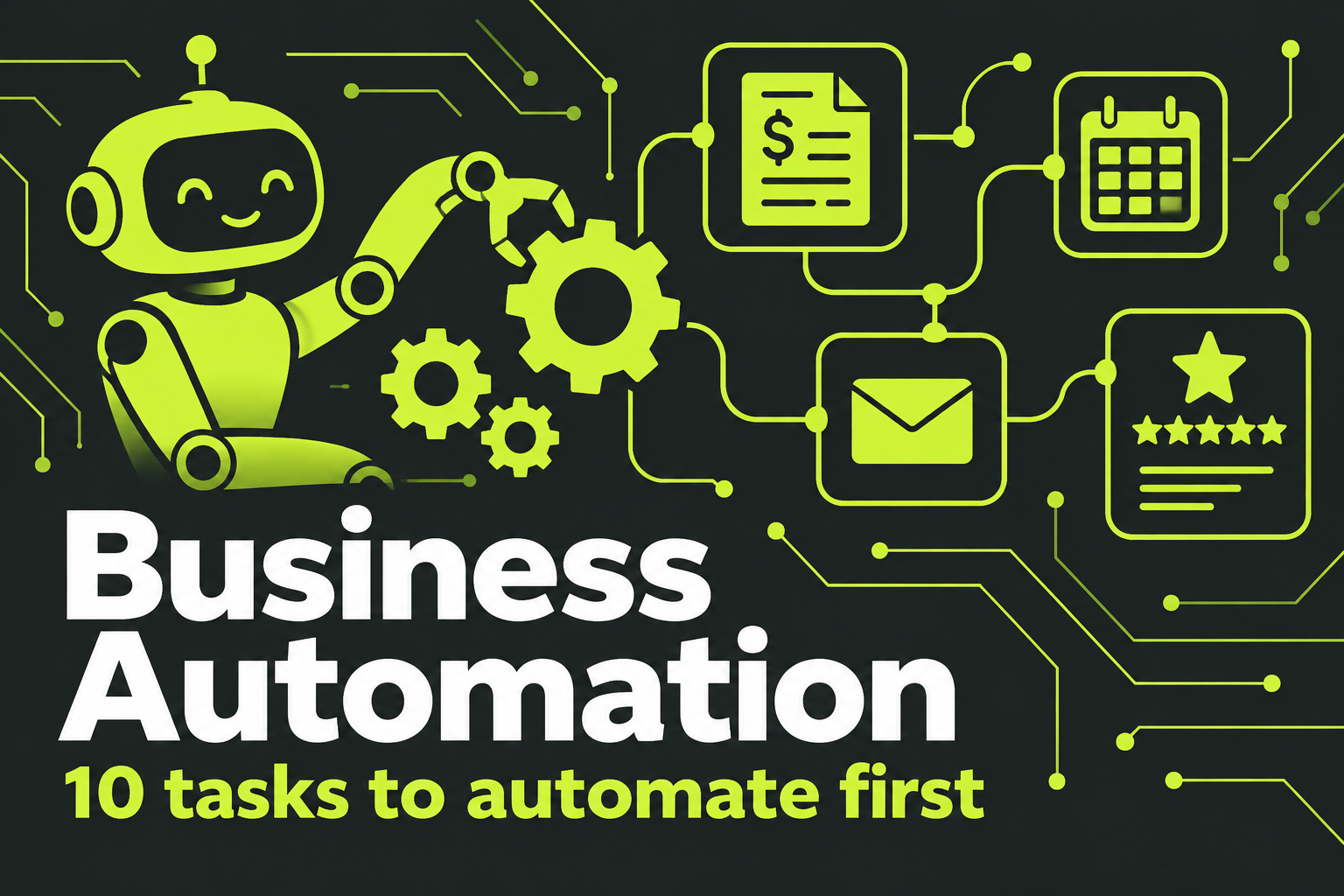
10 tasks to automate first
1. Lead capture and first response
Every inquiry from your website, ads, chat, and missed calls should land in one place and get an instant, friendly reply. This is often the highest-value business automation of all, because speed wins deals. Our guide to lead follow-up automation walks through it step by step.
2. Appointment booking and reminders
Let customers book online, then send automatic confirmations and text reminders. It cuts phone tag and no-shows at the same time. Clinics see especially strong results, as we cover in our post on online booking for clinics.
3. Invoice reminders
Most accounting tools can send polite reminders before and after an invoice is due. Nobody enjoys chasing payments, and automated reminders are consistent in a way busy people aren’t.
4. Review requests
Ask every happy customer for a review, automatically, a few hours after the job is done or the order arrives. More reviews help your local rankings and your conversions.
5. Customer onboarding
When someone signs up or buys, send a welcome sequence: what happens next, what you need from them, and how to reach you. It sets expectations and reduces “just checking” emails.
6. Data entry between systems
Connect your CRM, accounting, booking, and e-commerce tools so information flows between them. When a deal is won, the client appears in your invoicing tool. When an order ships, the customer record updates.
7. Internal notifications and task assignment
Route new work to the right person automatically, based on service, location, or workload, and alert managers when something has waited too long.
8. Reporting
Instead of assembling numbers every Monday, build a dashboard that updates itself with leads, sales, bookings, and revenue. Decisions get easier when the data is always current.
9. Answering common questions
An AI assistant on your website or phone line can handle hours, pricing, service areas, and order status around the clock, handing anything complex to your team.
10. Document creation
Quotes, proposals, contracts, and reports often follow templates. Business automation tools can fill in client details, pricing, and terms automatically, ready for a quick review before sending.
Where AI fits into business automation
Traditional automation follows fixed rules: if this happens, do that. AI adds the ability to handle messier inputs. It can read an incoming email and decide whether it’s a sales inquiry, a complaint, or an invoice. It can summarize a phone call and log the key points in your CRM. It can draft a reply for a team member to check and send. Used this way, AI extends business automation into tasks that used to need a person to read and think, while people stay in control of the final decision.
How to get started without overwhelm
Step 1: list your repetitive tasks
Ask each team member to note the tasks they repeat every week and roughly how long they take. You’ll be surprised how quickly the list grows.
Step 2: score each task
For each one, estimate time spent, how often mistakes happen, and how much it affects customers. Tasks that score high on all three go to the top.
Step 3: start with one workflow
Pick a single process, automate it end to end, and make sure it works reliably before moving on. One solid workflow beats five half-finished ones.
Step 4: document and train
Write down what the automation does and what the team still needs to do. People trust systems they understand.
Step 5: measure and expand
Track time saved, errors reduced, and results like bookings or payments received on time. Use those wins to decide what to automate next.
Not sure where you stand? Our AI readiness scorecard is a quick way to see which processes are ready.
Business automation examples by industry
Trades and home services
A missed call triggers an instant text with a booking link. When a job is booked, the customer gets a confirmation with the technician’s name and arrival window. After the job, an invoice and a review request go out automatically. For busy contractors, this kind of business automation can replace hours of evening admin.
Clinics and wellness
Online booking feeds the calendar, intake forms arrive before the visit, reminders cut no-shows, and recall messages bring patients back when they’re due for their next appointment.
Professional services
Accountants, lawyers, and consultants often automate client onboarding: a welcome email, a secure document request, an engagement letter ready for e-signature, and reminders until everything is received.
E-commerce
Order confirmations, shipping updates, abandoned cart reminders, low-stock alerts, and post-purchase review requests all run on their own. Store owners spend their time on products and marketing instead of inbox management.
Agencies
New client forms create projects, assign tasks, and set up reporting dashboards automatically, so every client gets the same smooth start.
Measuring the return on business automation
To know whether business automation is paying off, measure before and after. Track hours spent on the task each week, the number of errors or missed steps, and the business outcome it affects, like bookings, payments collected on time, or reviews received. Multiply the hours saved by what that time costs you, then compare it with what the tools and setup cost. Most well-chosen workflows pay for themselves quickly, and the ones that don’t are easy to spot and switch off.
There’s also a benefit that’s harder to measure: fewer things depend on one person remembering. When someone is sick or on holiday, the work still gets done.
Choosing the right tools
You probably already own some business automation features without realizing it. Many CRMs, accounting platforms, booking systems, and e-commerce platforms include built-in workflows. Start there. Connector tools like Zapier and Make can link apps that don’t talk to each other directly. All-in-one platforms such as GoHighLevel combine CRM, messaging, booking, and automation in one place, which suits many service businesses. For unusual processes, custom integrations may be the better answer.
Whatever you choose, favour tools with good support, clear pricing, and the ability to export your data.
Keep security and privacy in mind
Automation moves data between systems, which means more places where it needs protecting. Use strong passwords and two-factor authentication on every connected account, give each tool only the access it needs, and keep a list of what’s connected to what. The Canadian Centre for Cyber Security has practical guidance for small businesses. If you handle health, financial, or other sensitive information, check your obligations under Canadian privacy law before automating.
Business automation mistakes to avoid
- Automating a broken process. If the manual process is messy, automation just makes the mess faster. Simplify first.
- Removing the human touch entirely. Customers should always be able to reach a person.
- No owner. Someone needs to monitor automations and fix them when a connected app changes.
- Too many tools. A dozen disconnected apps can become harder to manage than the tasks they replaced.
- Not testing. Run every workflow as a customer before switching it on for real.
Business automation FAQ
Is business automation expensive?
It doesn’t have to be. Many first steps use features you already pay for. More advanced setups cost more, but they’re usually measured against hours of staff time saved each week.
Will automation replace my staff?
In most small businesses, it frees staff from repetitive work so they can spend more time with customers and on work that needs judgement.
How long does it take to set up?
A single workflow can often be live within days. A connected system across sales, booking, and billing usually takes a few weeks.
Ready to win back hours every week?
We’ll map your repetitive tasks, find the quickest wins, and build automations your team will actually use.