
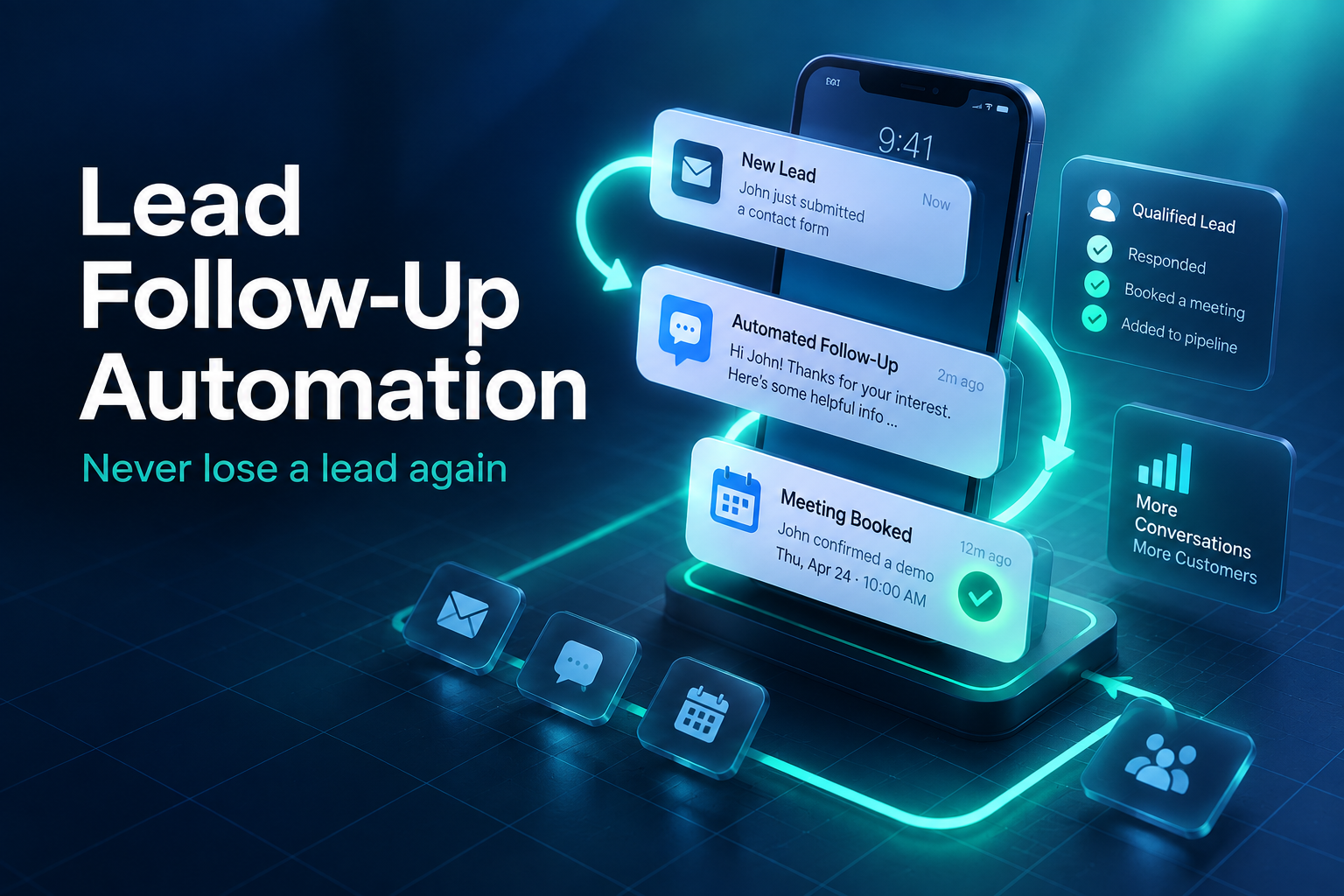
Here’s an uncomfortable truth for most small businesses: you’re probably not short on leads. You’re short on lead follow-up. Someone fills in your form on a Tuesday night, gets a generic “thanks, we’ll be in touch”, and by the time your team calls on Thursday, they’ve already booked with a competitor who responded in ten minutes.
The fix isn’t working longer hours. It’s building a simple, reliable lead follow-up system that runs whether you’re on a job site, with a client, or asleep. This guide shows how to set one up with a CRM and automation, without making your business feel robotic.
Why lead follow-up breaks down
In most businesses we work with, the problem isn’t effort. It’s process. Leads come in from a website form, Facebook ads, Google, phone calls, emails, and referrals. Each one lands somewhere different: an inbox, a voicemail, a sticky note. Nobody is quite sure who’s responsible. Then the busy week arrives and follow-up slips.
Common symptoms include:
- Leads waiting a day or more for a first reply
- One call attempt, then nothing
- No record of who was contacted, when, or what was said
- Quotes sent and never chased
- Old inquiries that were never followed up at all
If any of these sound familiar, you’re leaving revenue on the table from leads you’ve already paid to get.
Speed matters more than almost anything
People who make an inquiry are often contacting several businesses at once. The first company to respond with something useful has a big advantage, simply because the customer’s attention is there right now. An hour later they’re in a meeting. A day later they’ve moved on.
That doesn’t mean you need someone glued to a phone. It means your lead follow-up needs an instant first touch, and a clear plan for what happens next.
What a good lead follow-up system looks like
Every lead in one place
Start with a CRM, a customer relationship management system, where every inquiry lands automatically, no matter where it came from. Website forms, ad forms, chat conversations, and missed calls should all create a contact record without anyone typing it in.
An instant, helpful first reply
Within a minute of an inquiry, send a text and email that confirm you received it, tell them what happens next, and ideally include a link to book a call or appointment. Write it like a person would. “Hi Sarah, thanks for reaching out about your kitchen reno. I’ll give you a call shortly, or you can pick a time that suits you here.”
A clear sequence of touches
Most leads need more than one attempt. A simple lead follow-up sequence might look like this:
- Minute 1: automatic text and email with a booking link
- Within 15 minutes: a phone call from your team, or an AI voice agent during busy periods
- Day 1: a second call attempt and a short personal text if you haven’t connected
- Day 3: an email with something useful, like a price guide, project photos, or answers to common questions
- Day 7: a friendly check-in asking if they’re still looking
- Day 14 to 30: a final message, then move them to a long-term nurture list
The moment someone replies or books, the automated sequence stops and a person takes over.
Pipeline stages everyone understands
New, contacted, qualified, quote sent, won, lost. Simple stages let you see at a glance where every opportunity stands and which ones are stuck.
Tasks and reminders for your team
Automation should support your people, not replace them. The CRM should create a task when a lead needs a call, remind the right person, and flag anything that’s been waiting too long.
7 steps to set up lead follow-up automation
1. Map where your leads come from
List every source and roughly how many leads each one brings per month. This tells you which connections matter most.
2. Choose a CRM that fits your size
You don’t need an enterprise system. Platforms like GoHighLevel, HubSpot, and Pipedrive all handle small business lead follow-up well. Our GoHighLevel guide for Canadian businesses covers one popular option in detail.
3. Connect every lead source
Wire your website forms, ad platforms, chat, and phone system into the CRM so nothing depends on someone copying details by hand.
4. Write your messages
Draft your instant reply and each follow-up message. Keep them short, specific, and in your own voice. Read them out loud. If they sound like a robot, rewrite them.
5. Build the automation
Set up the sequence with clear stop conditions: a reply, a booking, or a team member marking the lead as contacted.
6. Test it as a customer
Fill in your own form, call your own number, and message your own chat. Check what arrives, when, and how it reads on a phone.
7. Review weekly for the first month
Look at response times, booking rates, and which messages get replies. Adjust the wording and timing based on what you see.
Lead follow-up by industry
The basics stay the same everywhere, but timing and tone change depending on what you sell.
Home services and trades
Urgency rules. Someone with a leaking roof wants a call now, not an email tomorrow. Prioritize instant texts and fast calls, and offer the soonest available visit in your very first message.
Clinics and wellness
Patients often want to book without a conversation. A booking link in the first reply usually converts better than a callback. Keep messages short and never include health details.
Real estate
Buyers and sellers can take months to decide. Short-term lead follow-up should be quick and personal, followed by a longer nurture sequence with useful market updates rather than constant sales pitches.
B2B and professional services
Decisions involve several people and take longer. Follow-up works best when each message adds value: a relevant case study, a short checklist, or an invitation to a focused call with a clear agenda.
Common lead follow-up mistakes
- Giving up after one attempt. Many deals close after the third, fourth, or fifth touch.
- Sending the same message everywhere. A text should read like a text, not a pasted email.
- Automating without a stop. Nothing looks worse than a “just checking in” message to someone who booked yesterday.
- No owner. If everyone is responsible for new leads, nobody is. Assign each lead to a person.
- Not tracking outcomes. Without knowing which leads became customers, you can’t tell which marketing is working.
Fixing just two or three of these usually makes a noticeable difference within a month.
Keep it human
Automation works best when customers barely notice it. A few principles help:
- Use the customer’s name and the service they asked about.
- Send messages at sensible hours in the customer’s time zone.
- Don’t pretend an automated message is a personal one if it clearly isn’t.
- Make it easy to reply and reach a real person.
- Stop quickly when someone says they’re not interested.
Stay on the right side of Canadian anti-spam rules
Canada’s Anti-Spam Legislation, known as CASL, applies to commercial emails and texts. Someone who inquires about your services generally gives you implied consent to reply for a limited period, but long-term marketing requires proper consent, and every message needs clear identification and an easy way to unsubscribe. The government’s CASL information page explains the basics. If you’re unsure about your situation, check with a professional.
Don’t forget your old leads
Most businesses have a list of past inquiries that never went anywhere. A short, honest reactivation campaign, such as “Are you still thinking about that project? We have openings next month”, can bring in work with almost no ad spend. It’s often the quickest win from a new lead follow-up system.
What results to expect
Every business is different, but the pattern is consistent. Faster first responses mean more conversations. More consistent lead follow-up means more quotes and bookings from the same number of leads. Better tracking shows you which marketing channels actually bring paying customers, so you can spend your budget where it works. Pair it with strong pages, like the tips in our post on landing page mistakes, and the gains compound.
A quick-start checklist
If you only have an afternoon this week, do these five things:
- Make sure every website form sends leads to one shared place, not a personal inbox.
- Set up an instant confirmation text and email with a booking link.
- Decide who owns new leads each day of the week.
- Write a simple three-message follow-up for leads you can’t reach.
- Pull a list of inquiries from the last six months and send a friendly check-in.
It won’t be perfect, but it will already be faster and more consistent than most of your competitors, and you can build on it from there.
Lead follow-up FAQ
How many times should I follow up with a lead?
More than most businesses do. Five to eight touches across two to four weeks, using a mix of calls, texts, and emails, is a reasonable starting point for many service businesses.
Will automated follow-up annoy customers?
Not if it’s timely, relevant, and easy to stop. People are annoyed by irrelevant messages, not by a business that responds quickly to a request they made.
Can AI handle lead follow-up calls?
Yes, for many businesses. An AI voice agent can call new leads within minutes, ask qualifying questions, and book appointments, then hand warm leads to your team.
Stop losing leads you’ve already paid for
We build CRM and follow-up systems that respond in seconds, track every opportunity, and keep your pipeline moving.
One Response