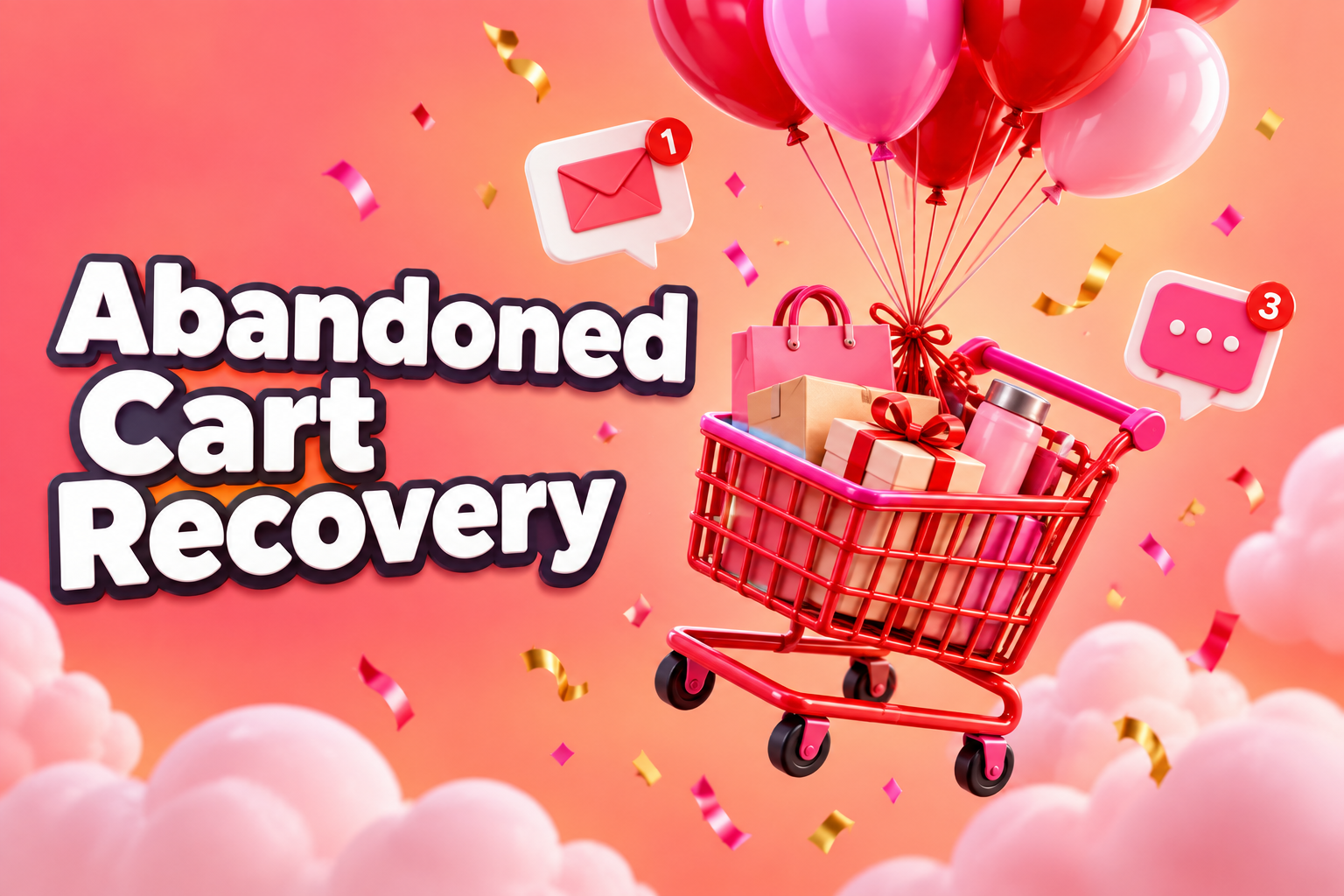
If you run an online store, most of the people who add something to their cart will leave without buying. That’s not a sign your store is broken. It’s normal online shopping behaviour. Research from the Baymard Institute has consistently put the average abandoned cart rate at around 70 percent. But normal doesn’t mean you have to accept it. Even winning back a small share of those shoppers can add up to a meaningful lift in revenue, without spending another dollar on ads.
This guide covers why shoppers abandon carts, how to fix the causes you control, and how to build an abandoned cart recovery system that brings people back without annoying them.
Why shoppers leave an abandoned cart behind
Some people were never going to buy. They were browsing, comparing, or saving items for later. Others fully intended to purchase and something got in the way. That second group is where your opportunity lies. The most common reasons include:
- Unexpected costs at checkout, like shipping, duties, or taxes they didn’t see coming
- Being forced to create an account before paying
- A long or confusing checkout with too many steps and fields
- Slow delivery or unclear delivery dates
- Not trusting the site with their card details
- Payment problems, including missing their preferred payment method
- Simple distraction, like a phone call or a crying toddler
The first six are fixable on your side. The last one is exactly what recovery messages are for.
Fix the checkout before chasing the abandoned cart
Recovery emails are useful, but it’s better to prevent the abandoned cart in the first place. Start here.
Show total costs early
Display shipping costs, or a free shipping threshold, on product pages and in the cart. For Canadian stores, be clear about prices in CAD and about duties for any cross-border orders. Surprise costs are the single biggest reason people bail.
Offer guest checkout
Let people pay without creating an account. You can invite them to save their details after the order is complete.
Shorten the form
Ask only for what you need to ship and bill. Use address autocomplete. Every field you remove makes checkout a little easier on a phone.
Add express payment options
Shop Pay, Apple Pay, Google Pay, and PayPal let customers pay in a couple of taps. On mobile, that convenience matters a lot.
Show trust signals at checkout
Secure payment badges, a short summary of your return policy, and a visible support contact reassure first-time buyers.
Be clear about delivery
Give a realistic delivery window. “Arrives in 3 to 5 business days” converts better than silence.
We cover the product page side of this in our guide to Shopify product page optimization.
Building an abandoned cart email sequence
When someone enters their email at checkout and doesn’t finish, you can send a series of reminders. A simple three-message sequence works well for most stores.
Email 1: a friendly reminder (about 1 hour later)
Keep it light and helpful. Show the product image, name, and price, with a clear button back to their cart. No discount yet. Many shoppers were simply interrupted, and a timely nudge is all they need.
Email 2: answer the doubts (about 24 hours later)
Address common hesitations. Highlight reviews for the product, explain your return policy, mention shipping times, and offer a way to ask questions. This email is about confidence, not pressure.
Email 3: a final nudge (about 48 to 72 hours later)
If it fits your margins, this is where a small incentive can help, like free shipping or a modest discount. Use it carefully. If every abandoned cart gets a discount, some customers learn to abandon on purpose.
Writing tips for recovery emails
- Use a subject line that sounds human, like “Still thinking it over?” or “You left something behind”
- Keep the design simple and mobile friendly
- Make the main button obvious and link straight back to a filled cart
- Include a real reply-to address so people can ask questions
- Stop the sequence immediately when they purchase
Text messages and other channels
SMS can work extremely well for cart recovery because texts get read quickly. It also feels more personal, so use it with restraint: one or two messages at most, only to people who’ve clearly opted in, and never late at night.
Retargeting ads on social media and Google can remind shoppers of the products they viewed while they browse elsewhere. They’re especially useful for shoppers who never entered an email address.
On-site messages, like a gentle reminder of free shipping when someone moves to leave the checkout, can help too, as long as they’re easy to close and don’t interrupt people who are still shopping.
Respect privacy and consent
Canada’s Anti-Spam Legislation applies to commercial emails and texts. Shoppers who start a checkout have a relationship with you, but you still need clear identification, an easy unsubscribe link, and proper consent for ongoing marketing. For texts in particular, only message people who’ve opted in. If you’re unsure, check the government’s CASL guidance or ask a professional.
How to measure abandoned cart recovery
Track a few numbers each month:
- Cart abandonment rate: carts created versus orders completed
- Checkout abandonment rate: people who started checkout but didn’t finish, which points to checkout problems specifically
- Recovery rate: the share of abandoned carts that later converted through your emails or texts
- Recovered revenue: the total value of those orders
- Discount cost: how much you gave away to win them back
If recovery is strong but abandonment remains high, keep working on checkout. If abandonment is falling, your fixes are working.
Abandoned cart recovery on Shopify
Shopify includes built-in abandoned checkout emails that you can switch on and customize under your marketing and notification settings. It’s a good starting point. For more control over timing, multiple emails, SMS, and segmentation, dedicated email and SMS apps add a lot of flexibility. Just be careful not to stack too many apps, since each one can add weight to your store. Our list of free apps that raise average order value covers a few that pair well with recovery flows.
Common abandoned cart mistakes
- Leading with a discount. You’ll give away margin to people who would have bought anyway.
- Sending too many messages. Five emails in two days feels desperate and drives unsubscribes.
- Broken links. A reminder that opens an empty cart wastes the whole effort. Test it.
- Ignoring mobile. Most recovery emails are opened on phones, so design for small screens first.
- Set and forget. Review results quarterly and test new subject lines and timing.
Beyond the abandoned cart: browse abandonment
Cart recovery only reaches people who got as far as adding a product. Many more visitors look at a product page several times and never add it. If they’re already subscribers or past customers, a browse abandonment message can help: “Still looking at the merino hoodie? It’s back in your size.” Keep these softer and less frequent than cart reminders, since the intent to buy is weaker. They work best for returning visitors you already have a relationship with, and for higher-priced items people tend to research over several visits.
A simple example
Imagine a Canadian outdoor apparel store selling jackets around $250. Shoppers were adding jackets to the cart, then leaving at the shipping step. When the owner looked closely, the problem was obvious: shipping costs only appeared at the very end, and there was no mention of free returns anywhere before checkout.
The fix came in two parts. First, the store added a free shipping threshold message on every product page and in the cart, along with a one-line summary of its return policy near the buy button. Second, it replaced a single generic reminder with a three-step abandoned cart sequence: a friendly reminder after an hour, an email the next day featuring reviews and sizing help, and a final message offering free express shipping for carts over a certain value.
The checkout changes reduced how many people dropped off in the first place, and the new sequence brought back more of those who still left. Neither change was complicated. Together they turned a quiet revenue leak into steady extra orders each week.
Where to start this week
Walk through your own checkout on a phone as if you’d never seen it. Note every surprise, every extra field, and every moment of doubt. Fix the biggest two. Then switch on or improve your abandoned cart emails, test them yourself, and check the results in a month.
Abandoned cart FAQ
What’s a good abandoned cart recovery rate?
It varies by store, price point, and audience. Rather than chasing a benchmark, measure your own baseline and aim to improve it steadily through better timing, copy, and checkout fixes.
Should I always offer a discount?
No. Start without one, and if you use an incentive, reserve it for the last message or for higher-value carts.
How soon should the first email go out?
Within about an hour usually works well, while the purchase is still on the shopper’s mind.
Want to recover more lost sales?
We set up checkout improvements and recovery flows for Shopify and e-commerce stores across Canada.