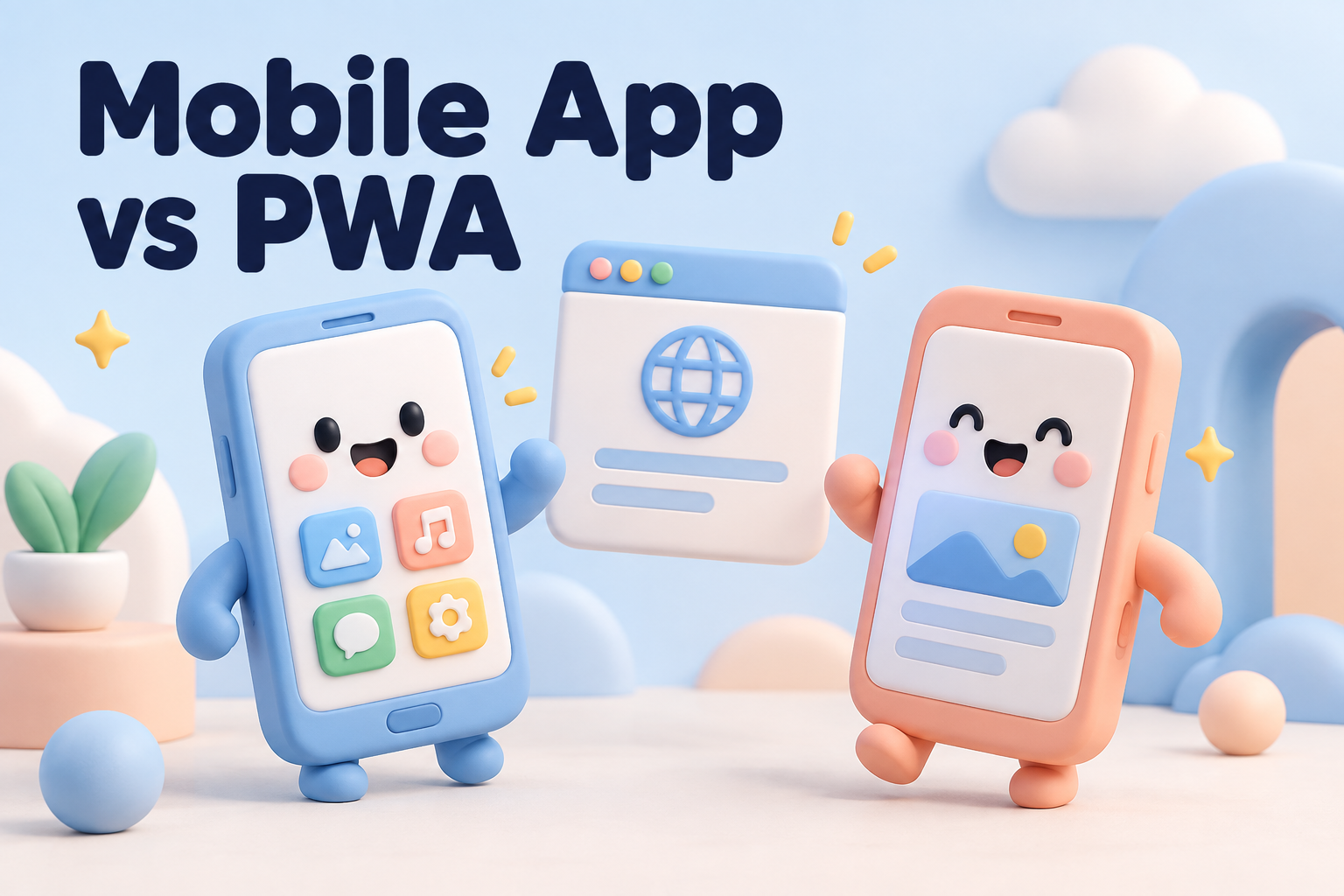
So you’ve decided your business needs something on your customers’ phones. Maybe you want repeat customers to reorder in two taps, or your field team needs a tool that works on job sites, or you’re launching a product that simply lives on mobile. The next question is one we hear constantly: should you build a native mobile app, or a progressive web app that runs in the browser but feels like an app?
Both can be excellent. Both can be a waste of money if they’re the wrong fit. This guide explains the difference in plain language and helps you pick the one that matches your goals and budget.
What is a native mobile app?
A native mobile app is software built for a specific phone platform, iOS or Android, and downloaded from the App Store or Google Play. It lives on the home screen, has full access to the phone’s hardware, and can work smoothly offline. Banking apps, ride-hailing apps, and most popular games are native.
Traditionally, building a native mobile app meant writing two separate apps, one for each platform. Today, cross-platform frameworks like React Native and Flutter let one codebase run on both, which cuts cost significantly while keeping most of the native feel.
What is a progressive web app?
A progressive web app, or PWA, is a website built with modern features that make it behave like an app. People visit it in their browser, and they can add it to their home screen with an icon of its own. It can load quickly, work partly offline, and send notifications. There’s no app store download required. Google’s guide to progressive web apps is a good technical introduction if you want to go deeper.
Many well-known companies run PWAs alongside or instead of a native mobile app, especially for shopping, booking, and content experiences.
Mobile app vs PWA: the key differences
Discovery and installation
A native mobile app can be found in the app stores, which is useful if people search there for what you offer. But every download is a hurdle: a store page, a large file, and permissions to approve. A PWA is found through Google search and your website, and people can start using it instantly with no install at all.
Access to phone features
Native apps can use almost everything the phone offers: Bluetooth, advanced camera controls, background location, health data, NFC, and more. PWAs can use a growing list of features, like the camera, location, and notifications, but support varies between browsers, and Apple’s Safari tends to lag behind Android.
Offline use and performance
A native mobile app generally performs best for heavy tasks, animations, and full offline use. A well-built PWA can cache content and work with a patchy connection, which is often plenty for booking, browsing, and simple forms.
Push notifications
Native apps have reliable push notifications on both platforms. PWAs support notifications on Android and desktop, and on iPhone once the user adds the app to their home screen. If notifications are central to your plan, test carefully on iOS.
Cost and timeline
A PWA is usually faster and cheaper to build because it’s one codebase that runs everywhere, often extending the website you already have. A native mobile app costs more, especially with separate iOS and Android versions, and adds app store review time to every release.
Updates and maintenance
Update a PWA and everyone gets the new version the next time they open it. With a native mobile app, updates go through store review, and some users won’t update for months, so you may support several versions at once. Apple and Google also update their operating systems every year, which means regular testing and fixes.
Store fees and rules
App stores take a commission on many digital purchases and subscriptions, and they set rules about what your app can do. PWAs avoid those fees and restrictions, which matters for businesses that sell digital services.
When a native mobile app makes sense
Choose a native mobile app when:
- Your product depends on hardware features like Bluetooth devices, background location, or advanced camera use.
- Customers use it daily, and the home-screen presence and notifications drive real engagement.
- You need strong offline performance, such as field teams working in remote areas with no signal.
- Being listed in the app stores is itself part of your marketing or credibility.
- The experience is highly interactive, like games, media editing, or fitness tracking.
When a PWA is the better choice
A PWA usually wins when:
- Customers use it occasionally, like booking an appointment every few months. Most people won’t download an app for that.
- Search visibility matters, because PWAs can be indexed by Google like any website.
- You want to launch quickly and test demand before committing to a bigger build.
- Your budget is limited and you need one product that works on every device.
- You sell digital products and want to avoid app store commissions.
The middle ground: start small, then grow
This doesn’t have to be a permanent choice. A common path we recommend is to launch a fast, mobile-friendly PWA first, learn how customers actually use it, then build a native mobile app once you know which features justify the investment. Your data, backend, and design work carry over, so the first version isn’t wasted.
The opposite also works for some businesses. Companies with a native mobile app often add a lightweight PWA for customers who won’t install anything, such as first-time buyers arriving from an ad.
Questions to ask before you build a mobile app
- How often will people use it? Daily use supports a download. Occasional use rarely does.
- Which phone features are essential? List them and check whether a PWA can support each one on both iPhone and Android.
- How will people find it? Through search, your website, social media, or the app stores?
- What’s the real budget, including maintenance? Plan for ongoing updates, not just the launch.
- What does success look like after six months? Downloads, bookings, repeat orders, or time saved for staff?
If you’re also weighing whether to build at all, our post on custom software vs off-the-shelf tools covers that decision.
Performance matters either way
Whichever route you choose, speed decides whether people stick around. A sluggish PWA is still a slow website, and a heavy native mobile app that takes ages to open gets deleted. Keep screens simple, load only what’s needed, and test on older, mid-range phones, not just the latest flagship. Our guide to website speed optimization covers the fundamentals that apply to PWAs too.
Security and privacy considerations
Whatever you build will probably handle personal information: names, email addresses, phone numbers, locations, and sometimes payment or health details. Canadian privacy law, including PIPEDA and Quebec’s Law 25, expects you to collect only what you need, explain why you collect it, and protect it properly.
A few practical habits go a long way. Encrypt data in transit and at rest. Ask for phone permissions only at the moment they’re needed, with a clear reason, rather than all at once on first launch. Store as little sensitive data on the device as possible. Use a trusted payment provider rather than handling card numbers yourself. And have a simple, readable privacy policy linked from inside the product, not just buried on your website.
Both app stores now require clear privacy disclosures before approval, so it pays to sort this out early rather than scrambling during review.
What to prepare before talking to a developer
You’ll get a more accurate quote and a better result if you arrive with a few things written down. None of this needs to be technical.
- Who it’s for. Customers, staff, partners, or all three, and what each group needs to accomplish.
- The top five tasks. The handful of actions people must be able to do on day one. Everything else can wait for later versions.
- Existing systems. Your website platform, CRM, booking tool, payment provider, or inventory system that the new product has to connect with.
- Examples you like. Screenshots of apps or sites whose experience you admire, and notes on why.
- Budget range and timing. Even a rough range helps a good team recommend the right scope instead of guessing.
A clear brief like this often saves weeks of back-and-forth and keeps the first version focused on what actually matters to your customers.
Mobile app FAQ
How much does a mobile app cost in Canada?
It depends on features, platforms, and integrations. A focused PWA or a simple cross-platform mobile app costs far less than a complex product with payments, user accounts, real-time features, and an admin dashboard. A short discovery phase is the best way to get an accurate estimate.
Can a PWA be listed in the app stores?
Partly. PWAs can be packaged for Google Play and the Microsoft Store fairly easily. Apple’s App Store is stricter, and usually requires more native functionality.
How long does it take to build?
A focused PWA can often launch in a few weeks. A first version of a cross-platform mobile app commonly takes two to four months, plus time for app store review.
Planning a mobile app or PWA?
Tell us what you want customers or staff to do on their phones. We’ll recommend the right approach and give you a clear plan.