
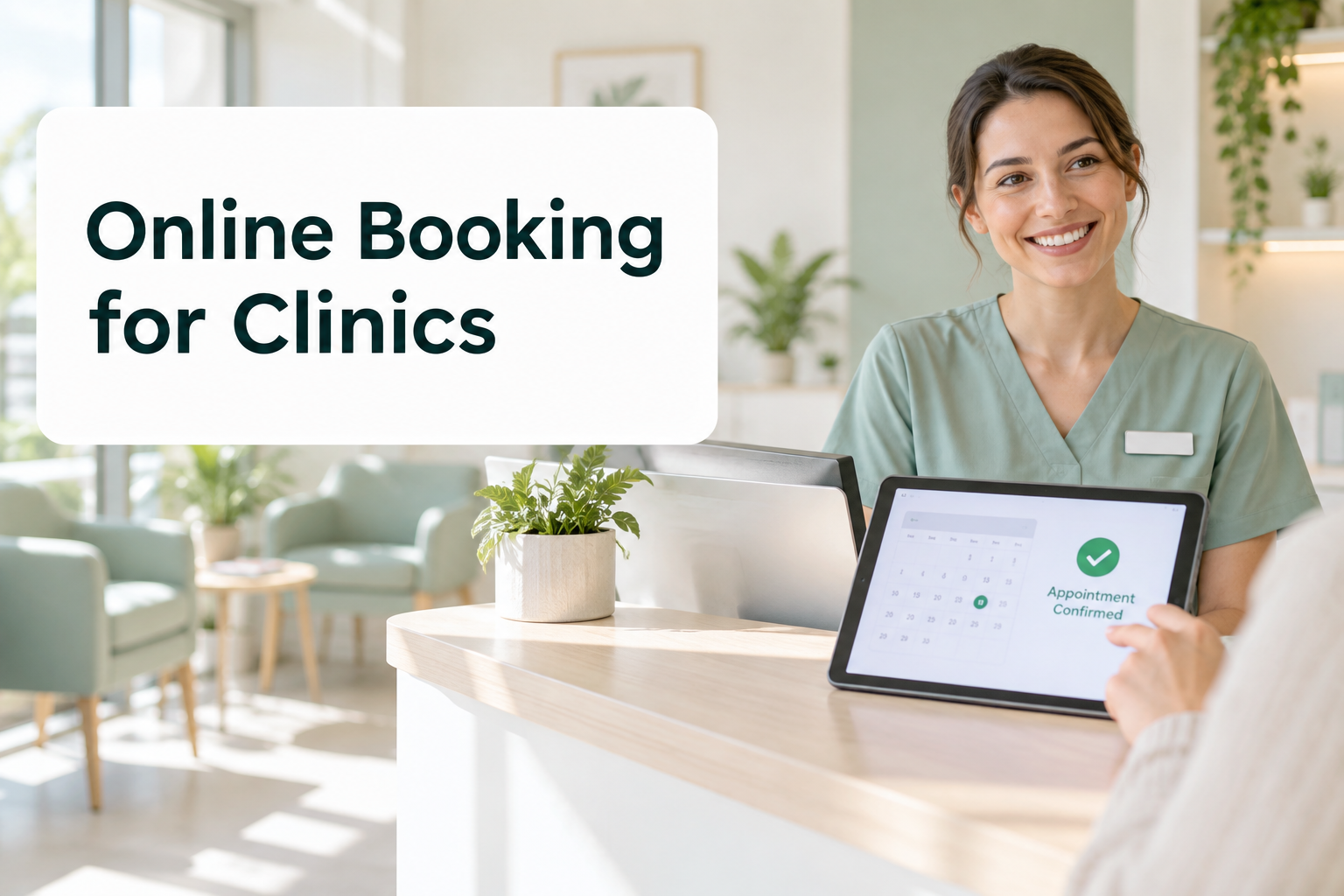
If you run a clinic, you already know the pattern. The phones ring nonstop from 8:30 to 10 a.m., the front desk juggles callers on hold with patients at the counter, and a few people still don’t show up for the appointments they booked. Online booking won’t fix every scheduling headache, but done well, it takes a surprising amount of pressure off your team and makes life easier for patients too.
This guide is for physiotherapy, chiropractic, dental, massage therapy, optometry, and medical clinics across Canada that want to get more out of online booking, whether you’re starting from scratch or trying to improve a system that isn’t pulling its weight.
Why phone-only booking holds clinics back
Phone booking feels personal, and for some patients it always will be the preferred option. But relying on it alone creates problems that are easy to overlook:
- Patients book when you’re closed. Many people think about booking in the evening or on weekends. If the only option is calling during business hours, some of them will book somewhere else.
- Missed calls become lost patients. When the line is busy, callers don’t always leave a message. They try the next clinic on Google.
- Your front desk is stretched thin. Every routine booking call is time not spent helping the patient standing in front of them.
- Changes are harder. When rescheduling means a phone call, patients who can’t make it are more likely to simply not show up.
What good online booking looks like
Not all online booking is equal. A clunky system that takes ten taps and a password can frustrate patients more than a phone call. The best setups share a few traits:
- It works well on a phone. Most patients will book from their mobile, often in a spare moment.
- It’s easy to find. A clear “Book online” button in the header of your website and on your Google Business Profile.
- It shows real availability. Synced with your practice management software, so there’s no double booking.
- It asks only what’s needed. Name, contact details, reason for visit, and whether they’re a new patient. Everything else can come later.
- It explains the service. Appointment types with clear names, lengths, and prices, so patients pick the right one.
- It confirms instantly. An email or text confirmation with the date, time, address, parking notes, and a link to change or cancel.
7 ways to cut no-shows with online booking
No-shows hurt every clinic, both in lost revenue and in patients who could have used that slot. Here’s what makes the biggest difference.
1. Send reminders by text, not just email
Text messages get read. A reminder two days before and another the morning of the appointment is a common pattern that works well. Keep it short, include the time and location, and make it easy to confirm or reschedule.
2. Make rescheduling easy
This sounds backwards, but it works. When patients can move an appointment with one tap, they reschedule instead of disappearing. You keep the patient and often fill the original slot.
3. Ask patients to confirm
A simple “Reply Y to confirm” gives you an early warning. If someone hasn’t confirmed the day before, your team knows exactly who to call.
4. Use a waitlist
When a slot opens up, an automated waitlist can offer it to patients who wanted an earlier time. It turns a cancellation into a filled appointment without any phone tag.
5. Set clear cancellation policies
State your policy during online booking and in the confirmation. Many clinics take a card on file for new patients or charge for late cancellations. Be clear and consistent, and apply it fairly.
6. Follow up with patients who miss
A friendly automated message after a missed appointment, with a link to rebook, brings many patients back. People often miss for innocent reasons and feel awkward calling.
7. Book the next visit before they leave
For ongoing treatment, booking the next appointment at checkout, or sending a booking link right after the visit, keeps care on track.
Digital intake forms: the next step after online booking
Once patients can book online, the natural next step is moving intake forms online too. Instead of arriving early to fill out a clipboard, new patients complete forms on their phone before the visit. That means:
- Less time at reception and fewer delayed starts
- No more trying to read handwriting
- Information goes straight into your records instead of being typed in by staff
- Practitioners can review history before the patient walks in
Keep forms as short as your practice allows, split them into sections, and let patients save and finish later.
Connecting online booking to the rest of your clinic
The real time savings come when online booking connects with your other systems instead of standing alone.
Reminders and follow-ups
Automated reminders, review requests after visits, and recall messages for patients due for a check-up all work from the same appointment data.
Phone calls
Some patients will always call. An AI voice agent can answer overflow and after-hours calls, book directly into the same calendar, and send a confirmation text, so no call goes to voicemail.
Your website chat
A website assistant can answer common questions, like whether you direct bill to insurance or offer evening hours, and point people to the right appointment type.
We cover the broader picture in our guide to AI agents for healthcare in Canada.
A typical week, before and after
Picture a busy three-practitioner physiotherapy clinic. Before making changes, the front desk spends most mornings on the phone. Calls go to voicemail at lunch and after 6 p.m., and a few of those callers never call back. Reminders are sent by email only, so several patients a week forget their appointment. New patients arrive fifteen minutes early to fill out paper forms, which pushes the first appointment of the day behind schedule.
Now picture the same clinic a couple of months later. Returning patients book follow-ups themselves, often in the evening. Text reminders go out automatically, and patients who can’t make it tap a link to move their appointment, which triggers a waitlist offer to someone else. New patients complete intake on their phones the night before. Overflow calls are answered and booked straight into the calendar. The front desk is still busy, but now it’s busy with the patients in front of them rather than the phone.
None of this requires replacing the clinic’s core software. It’s mostly about connecting the right tools and setting them up carefully around how the team already works.
Privacy comes first
Health information is among the most sensitive data a business can hold. Provincial health privacy laws, like Ontario’s PHIPA, and federal rules set strict expectations. The Information and Privacy Commissioner of Ontario publishes useful guidance even if you practise elsewhere.
When choosing an online booking system, ask where the data is stored, whether it stays in Canada, how it’s encrypted, who can access it, and whether the vendor will sign the agreements your regulator expects. Avoid putting health details in text reminders. “Your appointment is tomorrow at 2 p.m.” is enough.
How to choose an online booking system
Ask these questions before committing:
- Does it integrate directly with your practice management or EMR software?
- Can patients book, reschedule, and cancel from a phone without creating an account?
- Does it support text reminders, confirmations, and a waitlist?
- Can you control which appointment types and practitioners are bookable online?
- Is patient data stored securely, ideally in Canada?
- Can it be embedded neatly into your website and linked from Google?
- What does it cost per practitioner, and are reminders charged separately?
Rolling it out without chaos
Start by offering online booking for your simplest, most common appointment types, such as follow-up visits. Leave complex or first-time assessments on the phone until your team is comfortable. Tell existing patients through your email list, signage at reception, and a message on your phone line. Train staff to mention it at checkout. Then check the numbers after a month and expand gradually.
What to measure
Track a few simple numbers before and after launch: the share of bookings made online, the no-show rate, how many calls the front desk handles per day, and how many bookings come in outside business hours. Most clinics see after-hours bookings appear within the first few weeks, which is new business that phone-only booking would have missed.
Online booking FAQ
Will older patients use online booking?
Many will, more than clinics expect. Keep the phone option available for anyone who prefers it. The goal is choice, not forcing everyone online.
Does online booking lead to more cancellations?
It usually leads to more rescheduling and fewer no-shows. That’s a trade most clinics are happy to make, because rescheduled patients stay patients.
How long does setup take?
Connecting a booking tool your software already supports can take days. A fully connected setup with reminders, intake forms, and phone automation typically takes a few weeks.
Ready to free up your front desk?
We help Canadian clinics set up online booking, automated reminders, and AI call handling that fit how they already work.

One Response