You can write the best content in your industry and still struggle to rank if search engines have trouble finding, reading, or trusting your website. That’s where technical SEO comes in. It’s the behind-the-scenes work that makes sure your site is crawlable, fast, secure, and well organised, so your content gets a fair chance to compete.
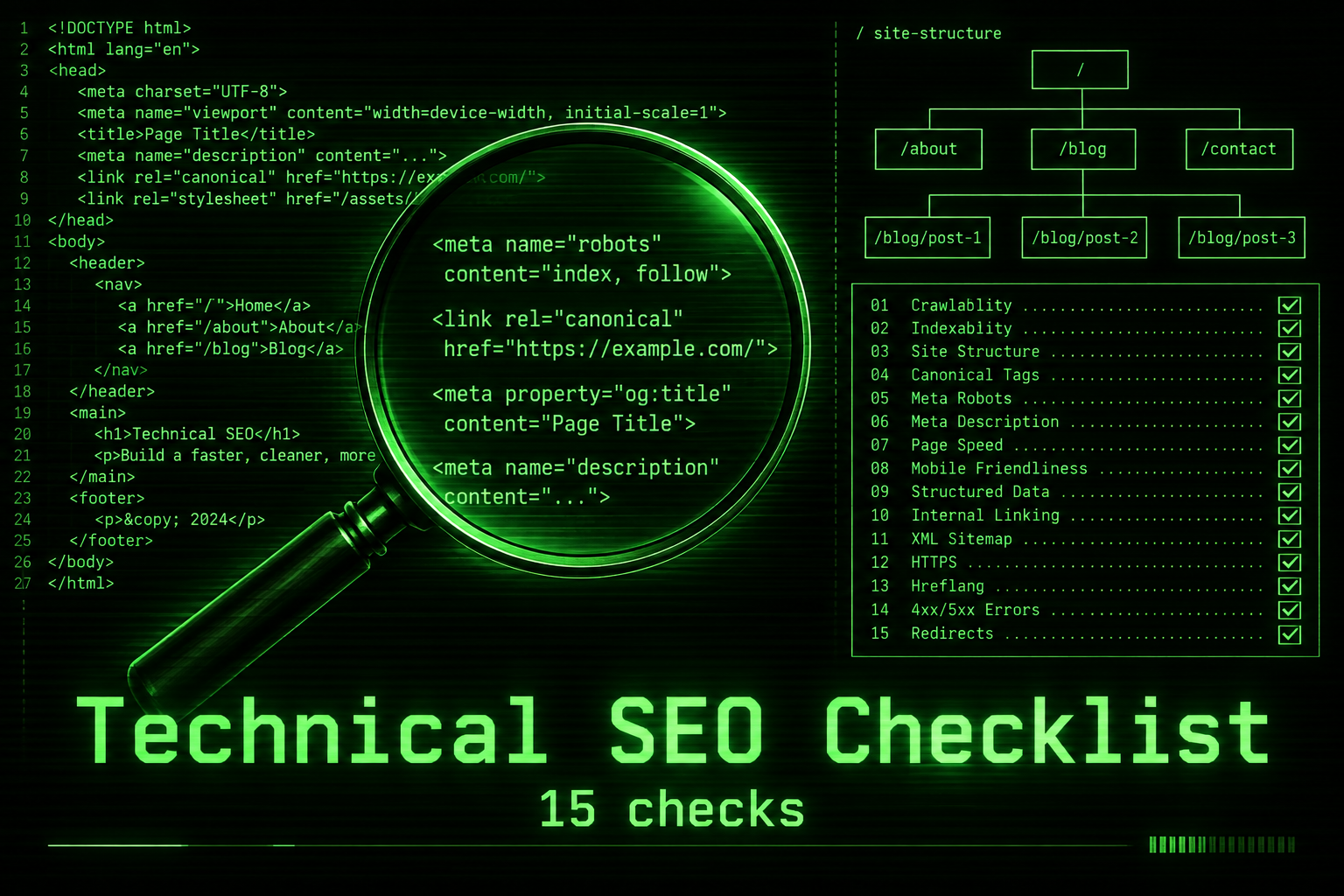
The word “technical” puts a lot of business owners off, but you don’t need to be a developer to understand the basics or to spot problems. This checklist covers fifteen checks, explained in plain language, that keep a small business website healthy.
If you would rather have this done for you, our Edmonton SEO company service covers every item in this checklist, with prices published on the page.
What is technical SEO?
SEO usually splits into three parts. On-page SEO is about your content and keywords. Off-page SEO is about reputation and links from other sites. Technical SEO is about the foundations: how your site is built, how pages are connected, how fast they load, and whether search engines can access and understand them.
Think of it like a shop. Content is the products on the shelves. Technical SEO is making sure the doors open, the lights work, and the aisles are clearly labelled.
Tools you’ll need
Most of this checklist can be done with free tools:
- Google Search Console, which shows how Google sees your site, including indexing problems and errors
- PageSpeed Insights for speed and Core Web Vitals
- Your SEO plugin, such as Rank Math or Yoast on WordPress, which handles sitemaps, meta tags, and schema
- A site crawler, many of which have free versions for small sites, to find broken links and missing tags
Crawling and indexing checks
1. Make sure your site isn’t hidden from search
In WordPress, check Settings, then Reading, and make sure “Discourage search engines from indexing this site” is unticked. It’s a surprisingly common mistake after a new site launch.
2. Review your robots.txt file
This small file tells crawlers which parts of your site to avoid. Make sure it isn’t blocking important pages, images, or scripts. Visit yourdomain.ca/robots.txt to see it.
3. Submit an XML sitemap
A sitemap lists the pages you want search engines to find. Most SEO plugins create one automatically. Submit it in Search Console and check that it only includes pages you actually want indexed.
4. Check the Pages report in Search Console
This report shows which pages are indexed and why others aren’t. Look for pages you care about that are marked as not indexed, and read the reason Google gives.
5. Use canonical tags correctly
When similar content appears at more than one address, a canonical tag tells search engines which version is the main one. SEO plugins and platforms like Shopify handle this automatically in most cases, but it’s worth checking on important pages.
Site structure checks
6. Keep important pages close to the homepage
Key service and product pages should be reachable within two or three clicks from the homepage. Pages buried deep in the site tend to get less attention from search engines and visitors alike.
7. Use clean, descriptive URLs
“yourdomain.ca/services/roof-repair” is better than “yourdomain.ca/?p=1234”. Short, readable addresses help both people and search engines.
8. Fix broken links and redirect chains
Links that lead to error pages waste visitors’ time and search engines’ attention. Redirects that bounce through several steps slow things down. Fix them to point directly to the right page.
9. Build strong internal links
Link related pages together with descriptive text. Internal links help search engines understand which pages matter most and how topics connect.
Speed and mobile checks
10. Pass Core Web Vitals on mobile
Check your main pages in PageSpeed Insights and aim for good scores on loading, responsiveness, and visual stability. Our guide to website speed optimization explains the fixes that matter most.
11. Make sure the site works well on phones
Google primarily uses the mobile version of your site for indexing and ranking. Text should be readable without zooming, buttons easy to tap, and nothing should be hidden or broken on small screens.
Security and trust checks
12. Use HTTPS everywhere
Every page should load securely with a valid certificate, and the non-secure version should redirect to the secure one. Browsers warn visitors about insecure pages, which kills trust instantly.
13. Keep software updated
Outdated plugins and themes are a leading cause of hacked sites. A hacked site can be flagged or dropped by search engines. Update regularly and keep backups.
Structured data and content hygiene
14. Add structured data
Schema markup describes your business, services, articles, products, reviews, and FAQs in a format machines understand. It can make your listings richer and helps AI tools understand your business, as covered in our guide to AI search optimization.
15. Fix duplicate and missing titles and descriptions
Every important page needs a unique title and meta description. Duplicates confuse search engines about which page to show. Missing ones leave Google to guess.
Technical SEO on WordPress
WordPress gives you a lot of control, which means technical SEO depends heavily on setup. A few things to watch:
- Use one well-configured SEO plugin, not two. Running Rank Math and Yoast together causes duplicate tags and conflicts.
- Stop tag, author, and date archives from creating thin duplicate pages if you don’t use them.
- Redirect image attachment pages to the image or the parent post, so they don’t clutter search results.
- Choose hosting with server caching and PHP kept up to date.
- Be careful with page builders. They’re flexible, but heavy layouts and too many add-ons slow pages down.
Technical SEO on Shopify
Shopify takes care of hosting, security certificates, sitemaps, and many canonical tags automatically, so much of the technical SEO groundwork is done for you. Your main jobs are keeping the theme lean, limiting apps that add scripts to every page, writing unique titles and descriptions for products and collections, adding alt text to product images, and checking that any theme customisations haven’t broken the built-in canonical handling.
Bilingual and multi-location sites
Many Canadian businesses serve customers in both English and French, or across several cities. That adds a few extra considerations. Each language version should live at its own address, such as a /fr/ folder, rather than switching language on the same URL. Pages should be linked together with hreflang tags so search engines show the right language to the right person. Translations should be real, human-reviewed content rather than automatic machine output. For multiple locations, give each branch its own page with its own address, hours, and local details, and link each one from the matching Google Business Profile. Getting this structure right early saves a lot of untangling later.
Common technical SEO problems we find
When we audit small business sites, the same issues come up repeatedly:
- Staging or development copies of the site indexed in Google
- Old pages deleted without redirects after a redesign
- Several pages targeting the same topic and competing with each other
- Mobile menus that hide important links
- Huge, uncompressed images on the homepage
- Contact details only shown inside an image
- Missing or duplicated page titles across service pages
None of these are exotic. They’re just easy to miss when nobody is looking.
A 15-minute monthly technical SEO routine
Once the big issues are fixed, keeping on top of technical SEO doesn’t take long. Once a month:
- Open Search Console and check the Pages report for new errors.
- Look at the Core Web Vitals report for any pages that have slipped.
- Check the security and manual actions section, which should say no issues.
- Run your main pages through PageSpeed Insights on mobile.
- Update plugins, themes, and your CMS after taking a backup.
Put it in your calendar. Fifteen minutes a month is far cheaper than recovering lost rankings.
When to call in a professional
Some technical SEO work is best left to specialists: site migrations, domain changes, large-scale redirect projects, complex JavaScript sites, international or bilingual setups with hreflang tags, and serious speed problems rooted in hosting or theme code. If Search Console shows problems you don’t understand, or rankings drop suddenly without an obvious reason, a professional audit usually pays for itself quickly. Google’s own SEO starter guide is also a helpful reference for the fundamentals.
How often should you run a technical SEO check?
A quick monthly look at Search Console catches most new problems early. A fuller technical SEO review every quarter, and always after a redesign, migration, or major plugin change, keeps small issues from turning into lost rankings. If you’re planning a rebuild, our website redesign checklist covers what to protect.
Technical SEO FAQ
Do I need technical SEO if my site is small?
Yes, though it’s simpler. Even a ten-page site can be held back by a blocked robots.txt, a missing sitemap, or slow pages.
Can an SEO plugin handle everything?
Plugins handle a lot, like sitemaps, meta tags, and schema, but they can’t fix slow hosting, broken links in your content, or a confusing site structure.
How long does it take to see results?
Fixing a serious blocking issue can bring improvements within weeks. Gradual improvements like speed and structure build over a few months.
Want a professional technical SEO review?
We’ll audit your site’s health, explain every issue in plain English, and prioritise the fixes that will move the needle.