Choosing between WordPress, Shopify and Squarespace is one of the most important decisions for a new website or online store. The right platform makes growth easy. The wrong one leads to rising fees, slow pages or a costly rebuild a year later.
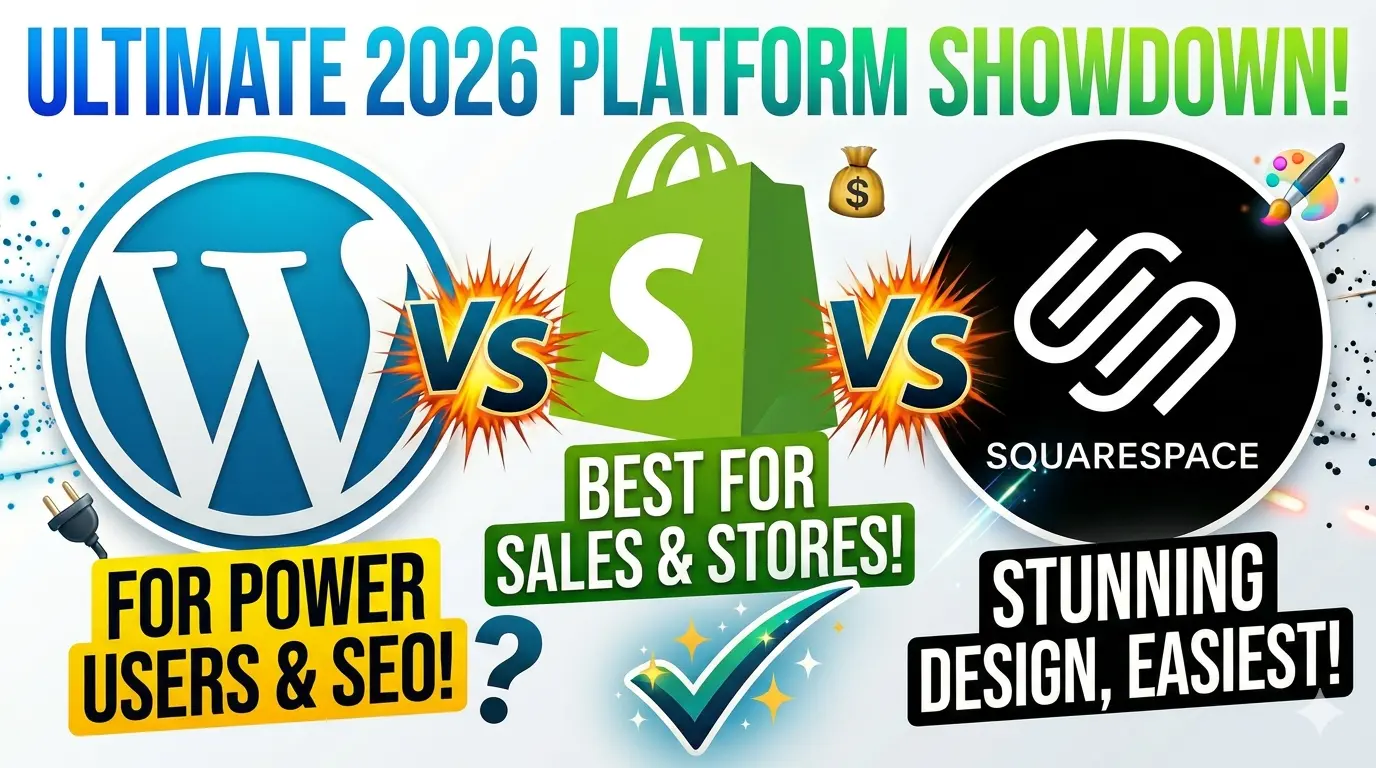
Quick answer. Choose Shopify if selling products online is the main job of your site. Choose WordPress if you want the most control, the best SEO and a site built around content and leads. Choose Squarespace if you want a good looking simple site you can run yourself with no developer. For most Canadian service businesses that want to rank on Google, WordPress wins; for most stores, Shopify wins.
We build on all three platforms for businesses across Canada and the United States, so this comparison is based on real projects, not just feature lists. It is updated for November 2026 with current pricing.
Short answer: choose Shopify if selling products online is your main goal, WordPress if you want maximum flexibility, content and SEO control, and Squarespace if you want a beautiful, simple site you can manage yourself with minimal upkeep.
WordPress vs Shopify vs Squarespace at a glance
| WordPress | Shopify | Squarespace | |
|---|---|---|---|
| Best for | Content, SEO and custom business sites | Online stores of any size | Portfolios, service businesses and simple sites |
| Starting cost | Free software plus hosting, about $3 to $30+ per month | From $29 per month billed yearly ($39 monthly) | From $16 per month billed yearly |
| Ease of use | Moderate, more to learn | Easy | Easiest |
| Design flexibility | Unlimited | High, through themes and apps | Good, within templates |
| SEO control | Excellent | Very good | Good |
| Ecommerce | Powerful with WooCommerce | Best in class | Solid for small catalogues |
| Maintenance | You manage updates and security | Handled for you | Handled for you |
| Ownership | Full ownership of code and data | Hosted platform | Hosted platform |
Prices are in US dollars as published in 2026 and can change. Billing in Canada and other countries may differ, so confirm on each platform’s pricing page.
Pricing in 2026: what you will really pay
Shopify pricing
| Plan | Billed monthly | Billed yearly (per month) | Online card rate (US) |
|---|---|---|---|
| Basic | $39 | $29 | 2.9% + 30 cents |
| Grow | $105 | $79 | 2.7% + 30 cents |
| Advanced | $399 | $299 | 2.5% + 30 cents |
Most stores also pay for a few apps (reviews, upsells, email, subscriptions), often $20 to $150 per month in total. Premium themes are a one time cost, typically a few hundred dollars.
Squarespace pricing
| Plan | Billed yearly (per month) | Good for |
|---|---|---|
| Basic | $16 | Simple sites. Charges a 2% fee on sales |
| Core | $23 | Small businesses selling online with no Squarespace transaction fee |
| Plus | $39 | Growing shops that need more commerce features |
| Advanced | $99 | Larger stores and subscriptions |
Paying month to month costs noticeably more than yearly billing. Payment processing fees apply on top of your plan.
WordPress pricing
- Software: free and open source.
- Hosting: about $3 to $30 per month for most small businesses, more for high traffic or managed hosting.
- Domain: roughly $15 to $25 per year.
- Premium theme and plugins: optional, from $0 to a few hundred dollars per year.
- Ecommerce: WooCommerce is free, plus payment fees and optional extensions.
- Maintenance: updates, backups and security, done by you or a developer.
First year cost example
| Scenario | WordPress | Shopify | Squarespace |
|---|---|---|---|
| 10 page business website (no store) | About $150 to $600 plus setup | Not ideal for this use | About $190 to $280 |
| Small online store (50 products) | About $300 to $1,200 plus setup | About $350 to $1,500 plus apps | About $280 to $470 |
Platform costs only, excluding design, development and payment processing. A professionally built site adds a one time build cost. Use our website cost calculator for an estimate in USD or CAD.
WordPress: best for flexibility, content and SEO
WordPress powers roughly 42% of all websites on the internet. It is the most flexible option and the strongest for content driven growth.
- Pros: total design and feature control, tens of thousands of plugins, full ownership of your code and data, best in class SEO plugins such as Rank Math and Yoast, and it scales from a simple site to a large publication.
- Cons: you are responsible for hosting, updates, backups and security. There is more to learn, and poorly chosen plugins can slow a site down.
- Choose it if: content marketing and SEO are central to your growth, you need custom features or integrations, or you want to own everything.
Shopify: best for ecommerce
Shopify is built for selling. Checkout, payments, inventory, shipping and taxes work out of the box, and the platform handles hosting and security for you.
- Pros: fast, reliable checkout, Shop Pay, a huge app store, multi currency selling, point of sale for physical stores, and selling through Google, social media and AI shopping channels.
- Cons: monthly fees plus apps add up, some URL structures are fixed, and deep customisation needs a developer who knows Shopify’s theme language.
- Choose it if: selling products online is your main goal, especially if you plan to grow your catalogue or sell across Canada and the US.
Comparing Shopify with WooCommerce instead? Read our Shopify vs WooCommerce in Canada guide.
Squarespace: best for simplicity and design
Squarespace is the easiest of the three. Its templates look polished out of the box, and everything is managed for you.
- Pros: beautiful templates, simple drag and drop editing, hosting and security included, and built in tools for bookings, email campaigns and simple stores.
- Cons: less flexibility, fewer integrations, more limited SEO control, and larger stores outgrow it.
- Choose it if: you want a professional site quickly, plan to manage it yourself, and do not need complex features.
SEO comparison: which ranks better?
All three can rank well. Content quality, site speed and links matter far more than the platform. That said, they give you different levels of control:
| SEO factor | WordPress | Shopify | Squarespace |
|---|---|---|---|
| Custom titles and meta descriptions | Yes | Yes | Yes |
| URL structure control | Full | Partly fixed (for example /products/) | Mostly controllable |
| Structured data (schema) | Full control with plugins | Built into most themes, extendable | Basic, built in |
| Blogging and content | Excellent | Good | Good |
| Speed potential | Excellent with good hosting | Very good | Good |
| Redirects and technical SEO | Full control | Good | Basic |
For AI search, such as ChatGPT and Google AI Overviews, what matters most is clear, well structured content and a fast site. Our guide to AI search optimization explains how to get recommended.
Notes for Canadian businesses
- Sales taxes: Shopify and WooCommerce both support GST, HST and PST setup. Check Squarespace’s tax settings for your province.
- Currency: all three can take payments in CAD. Shopify makes selling in both CAD and USD especially simple.
- Bilingual sites: WordPress (with a multilingual plugin) and Shopify (with translated markets) handle English and French well.
- Accessibility: Ontario businesses with 20 or more employees have AODA website accessibility obligations. Choose accessible themes on any platform. See our website accessibility guide.
Which platform should you choose?
| Your business | Best choice | Why |
|---|---|---|
| Online store with 20+ products | Shopify | Fastest path to a reliable store that scales |
| Service business that wants leads from Google | WordPress | Best SEO control and content marketing |
| Portfolio, artist or photographer | Squarespace | Beautiful templates, easy to manage |
| Clinic or business that needs booking and integrations | WordPress | Connects to booking, CRM and AI tools |
| Content site or blog | WordPress | Unmatched for publishing and SEO |
| Small shop selling a few products | Squarespace or Shopify | Squarespace for simplicity, Shopify to grow |
Can you switch platforms later?
Yes, but plan it carefully. Moving between WordPress, Shopify and Squarespace means rebuilding the design, migrating products and content, and setting up redirects so you keep your Google rankings. Our website redesign without losing SEO checklist covers every step.
Frequently asked questions
Is WordPress better than Shopify?
For content and SEO driven businesses, usually yes. For online stores, Shopify is usually the better choice because selling, payments and security are built in.
Is Squarespace good for SEO?
Squarespace covers the SEO basics well and many small sites rank fine with it. WordPress offers more technical control for competitive markets.
Which is cheapest?
WordPress can be the cheapest in pure platform costs, but you pay in time or developer help for maintenance. Squarespace is the cheapest all in option for a simple site. Shopify costs more but includes a complete ecommerce system.
Which platform is best for a small business in Canada?
Service businesses that want leads from Google usually do best on WordPress. Product businesses usually do best on Shopify. Squarespace suits owners who want a simple, beautiful site they can manage themselves.
Can I sell on WordPress?
Yes. WooCommerce turns WordPress into a full online store and is free to install, with optional paid extensions.
Which is better for SEO: WordPress, Shopify or Squarespace?
WordPress gives you the most SEO control, with full access to URLs, schema, speed and content structure. Shopify is very good for product SEO but has fixed URL patterns. Squarespace covers the basics well but offers the least control as a site grows.
Need help choosing?
Quantro Digital builds fast, SEO ready websites on WordPress, Shopify and Squarespace for businesses across Canada and the US. See our website development and Shopify services, or book a free strategy call for an honest recommendation and a fixed quote.
Sources: published 2026 pricing for Shopify and Squarespace, and W3Techs usage statistics via public reports. Prices and features change often, so confirm current details on each platform’s website.